2-1
The following are variables (to change: Special/Varialble- Edit definition):
c4357-90100 Rev. A (Part-number)
\\Bldmach2\tw\TW\MAN\CD\cutthroat\external\4381-90100\using.fm
(Filename long)
CD-Writer (Drive-name)
Chapter 2: Using Your CD-
Writer Plus
Chapter 2:
Using Your CD-Writer
Plus
This chapter describes how to use and purchase CDs, how to take care of
your drive, and how to find out its drive letter.
Using CDs
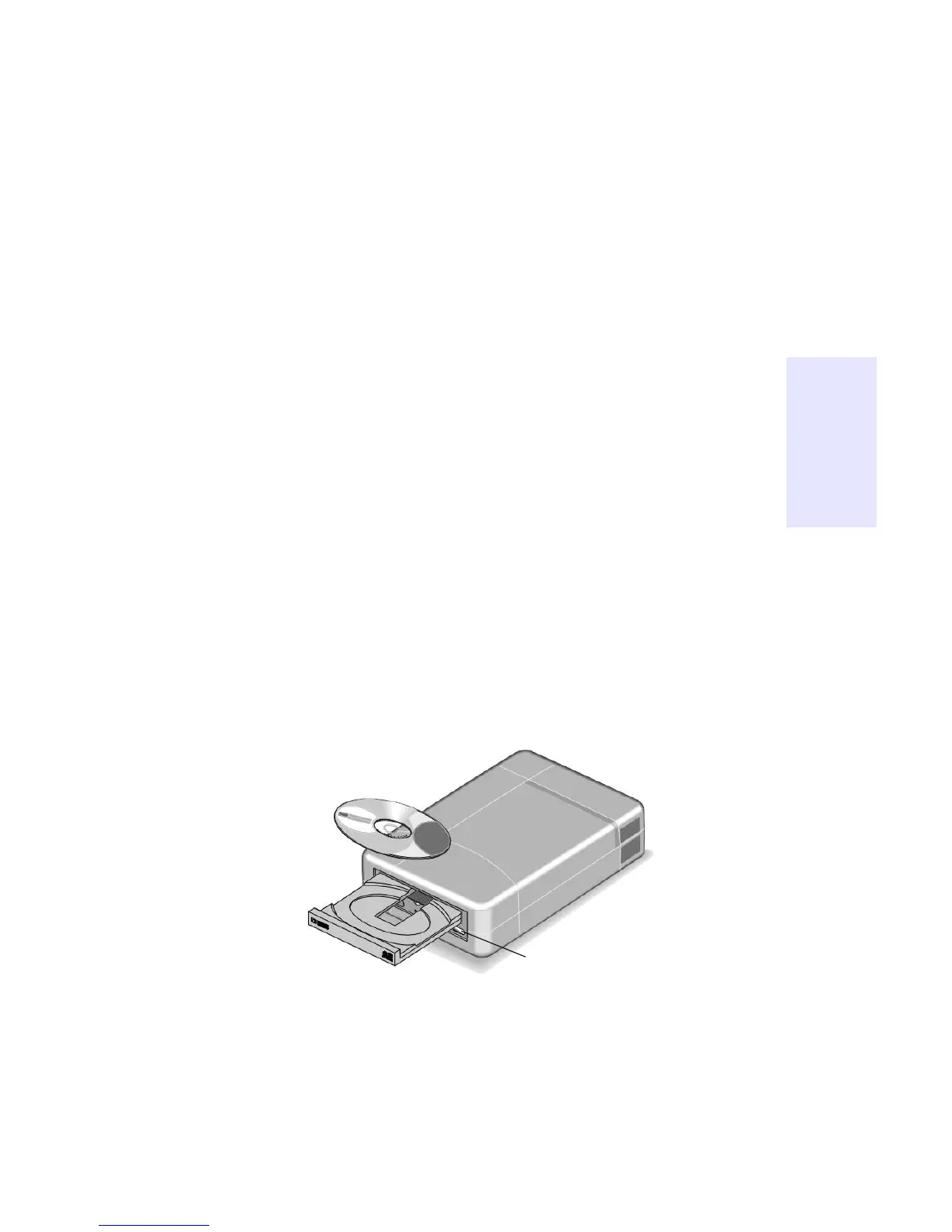
Inserting a CD
1. Press the eject button on the CD-Writer front panel.
2. Set the CD in the tray with the labeled side up.
3. Press the eject button again or push gently on the front of the tray to
shut the tray.



 To Next Page