Moving CD-Writer Plus to Another Computer 1-15
Chapter 1: Connecting CD-
Writer Plus and Installing the
Software
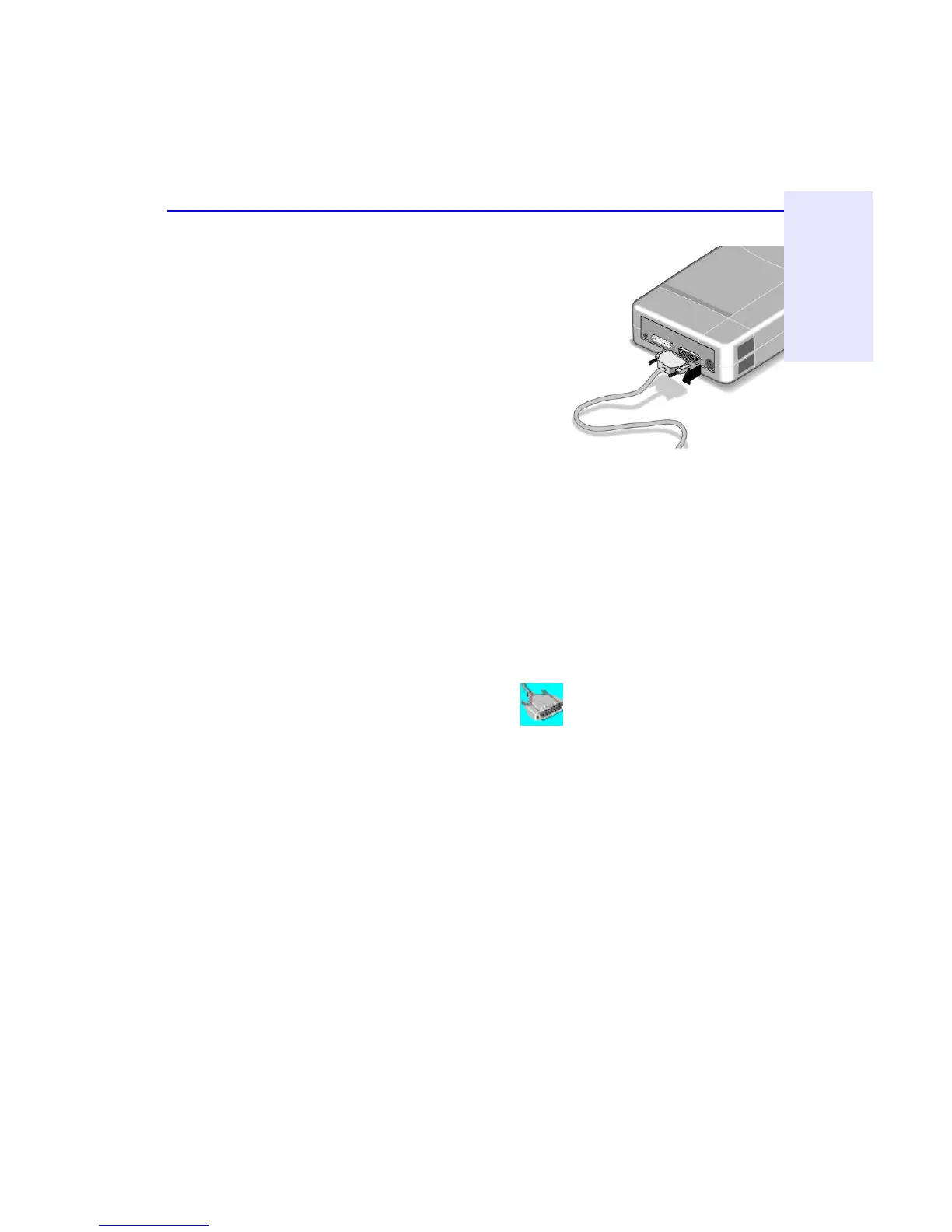
4. Disconnect the printer cable (if any)
from your CD-Writer Plus drive and
reconnect it to the printer port on the
back of your computer (other cables
not shown but still attached).
5. You are ready to connect the CD-
Writer Plus drive to another computer.
To connect the CD-Writer Plus drive to another computer:
1. Follow the directions for “Connecting CD-Writer” on page 1-2.
2. The first time you attach the CD-Writer Plus drive to this computer,
follow the directions in “Installing the Software for Windows 95 or
Windows NT 4.0” on page 1-8.
Each additional time, after connecting all the cables:
■ In Windows NT, reboot your computer.
■ In Windows 95, simply click on the Connect or Disconnect external
drive icon on your desktop.
Select Shuttle EPAT External ATAPI Adapter, then click Connect.



 To Next Page