1-14 Moving CD-Writer Plus to Another Computer
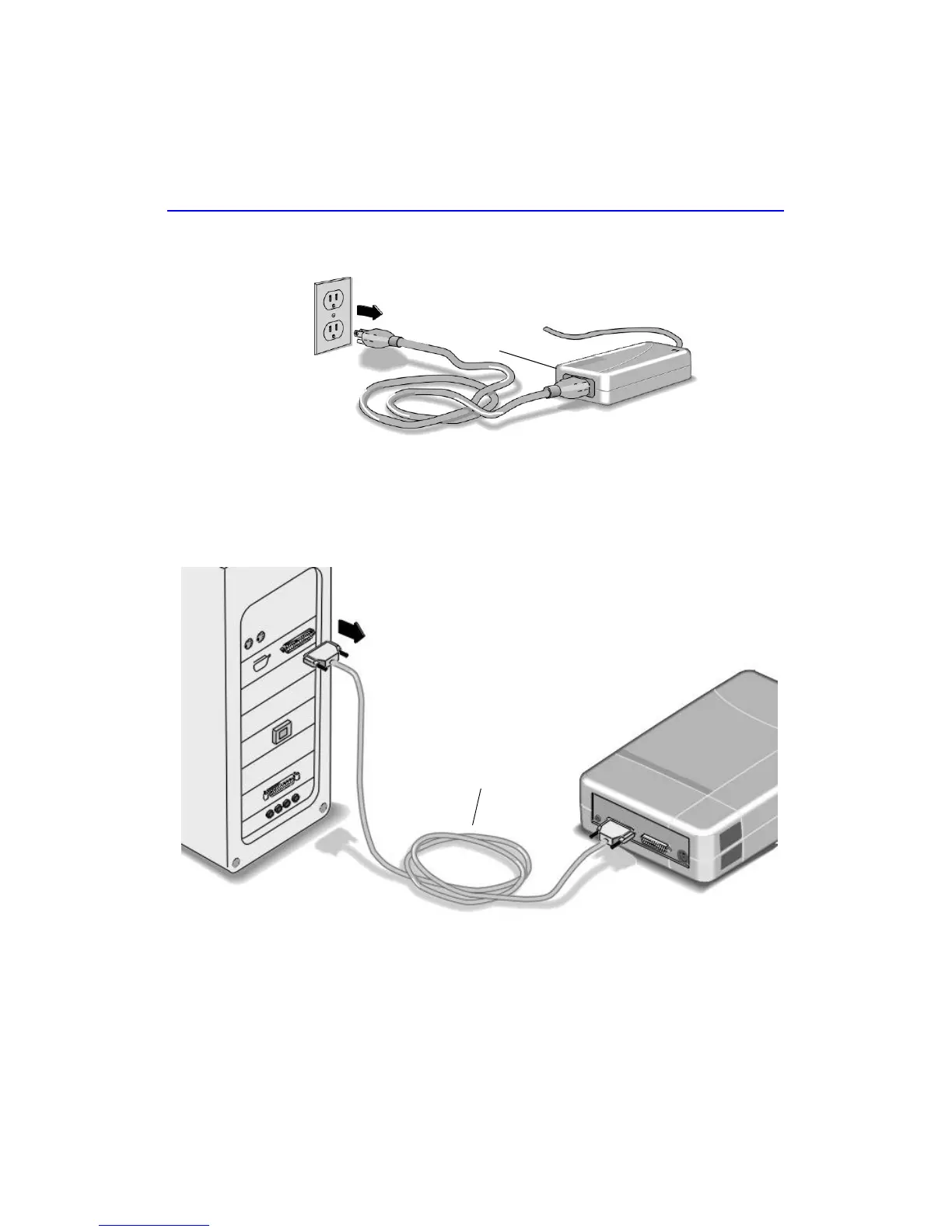
2. Unplug the CD-Writer Plus’s power supply from the outlet or power strip.
(The power plug and outlet may look different in your country.)
NOTE: There is no power switch on the CD-Writer Plus drive or power supply.
You may safely unplug the power supply without damage to the CD-Writer Plus
drive.
3. Disconnect the CD-Writer Plus data cable and audio cable (if any) from
the back of the computer.
Power supply
Data cable



 To Next Page