Connecting CD-Writer 1-5
Chapter 1: Connecting CD-
Writer Plus and Installing the
Software
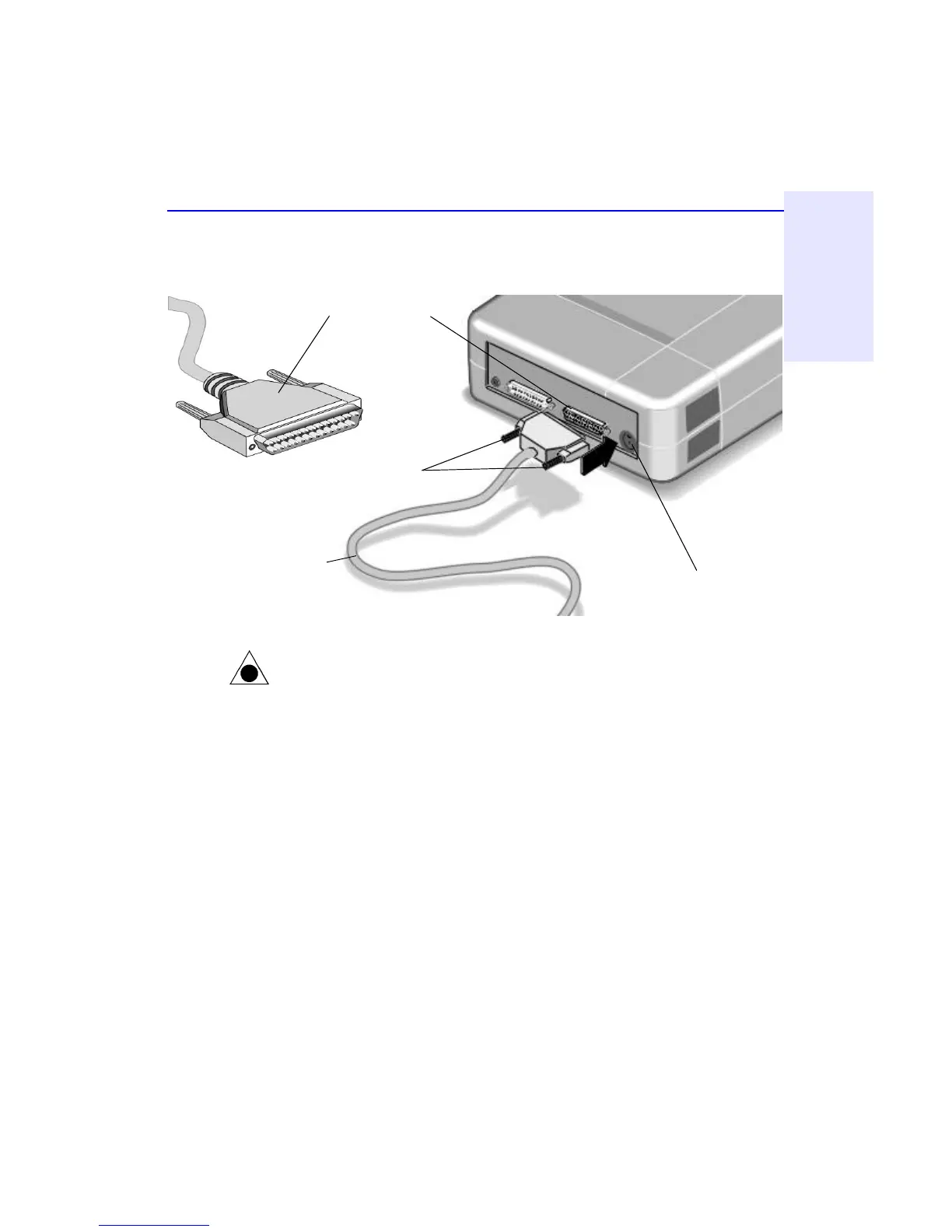
5. If you have a printer cable attached to the computer’s parallel port,
disconnect it from the computer and plug it into the CD-Writer Plus
drive’s connector that is closest to the power cord connector.
CAUTION: Do not plug any device other than a printer into the CD-Writer Plus
drive’s printer connector.
NOTE: If your printer is attached to the CD-Writer Plus drive, printing
documents while using the rewritable CD drive (for example, playing audio
CDs, writing to disc) will yield unpredictable results and is not a supported
function. This is because the printer and CD-Writer Plus drive are sharing the
same data cable.
Secure the connector
by tightening the
retaining screws.
Printer’s data cable
(If a printer is sharing the
parallel port with the CD-
Writer drive.)
Power cord connector
Printer connector



 To Next Page