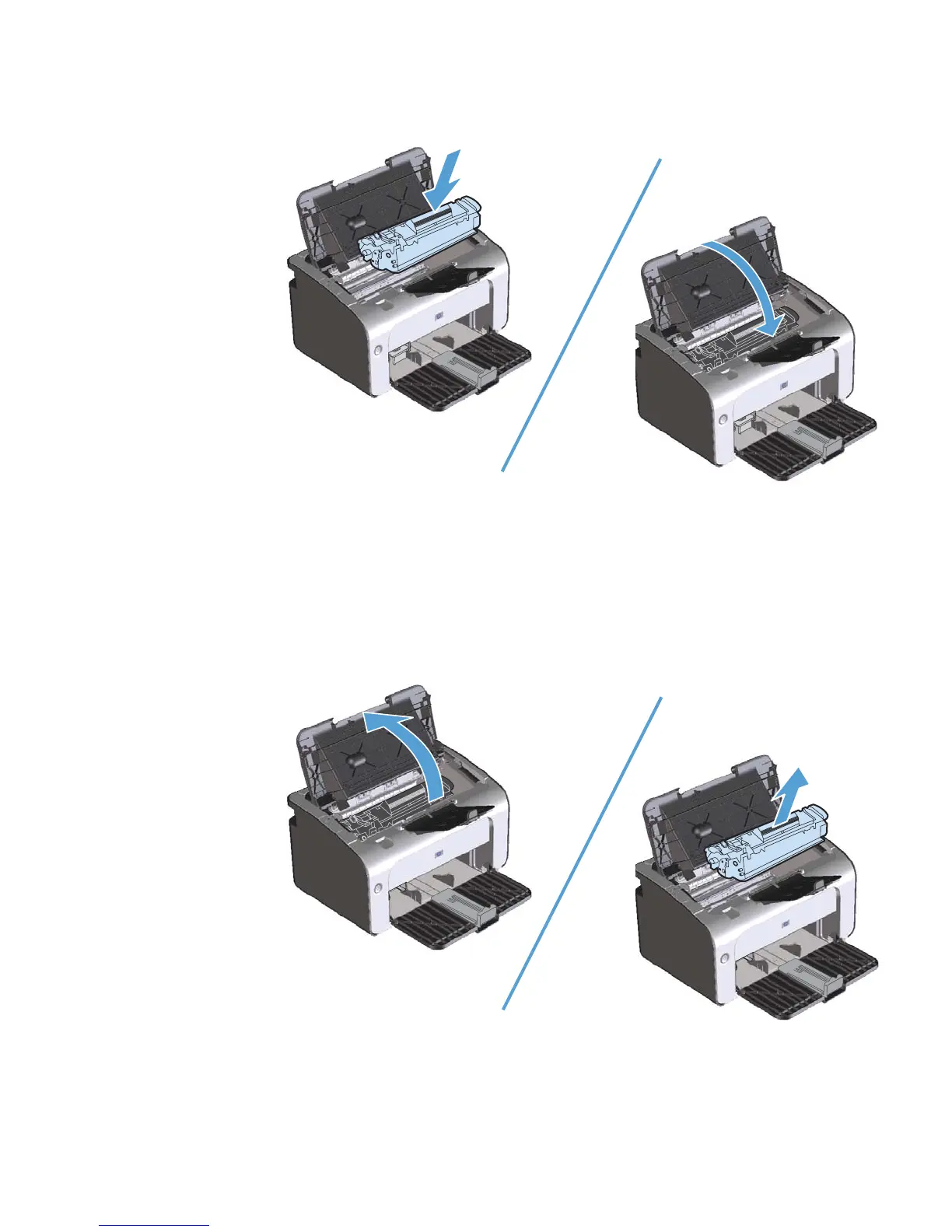
3. Reinsert the print cartridge into the product, and then close the print-cartridge door.
If the print is still light, install a new print cartridge.
Replace the print cartridge
When a print cartridge approaches the end of useful life, you can continue printing with the current
cartridge until redistributing the toner no longer yields acceptable print quality.
1. Open the print-cartridge door, and then remove the old print cartridge.
52 Chapter 7 Manage and maintain the product ENWW



 To Next Page