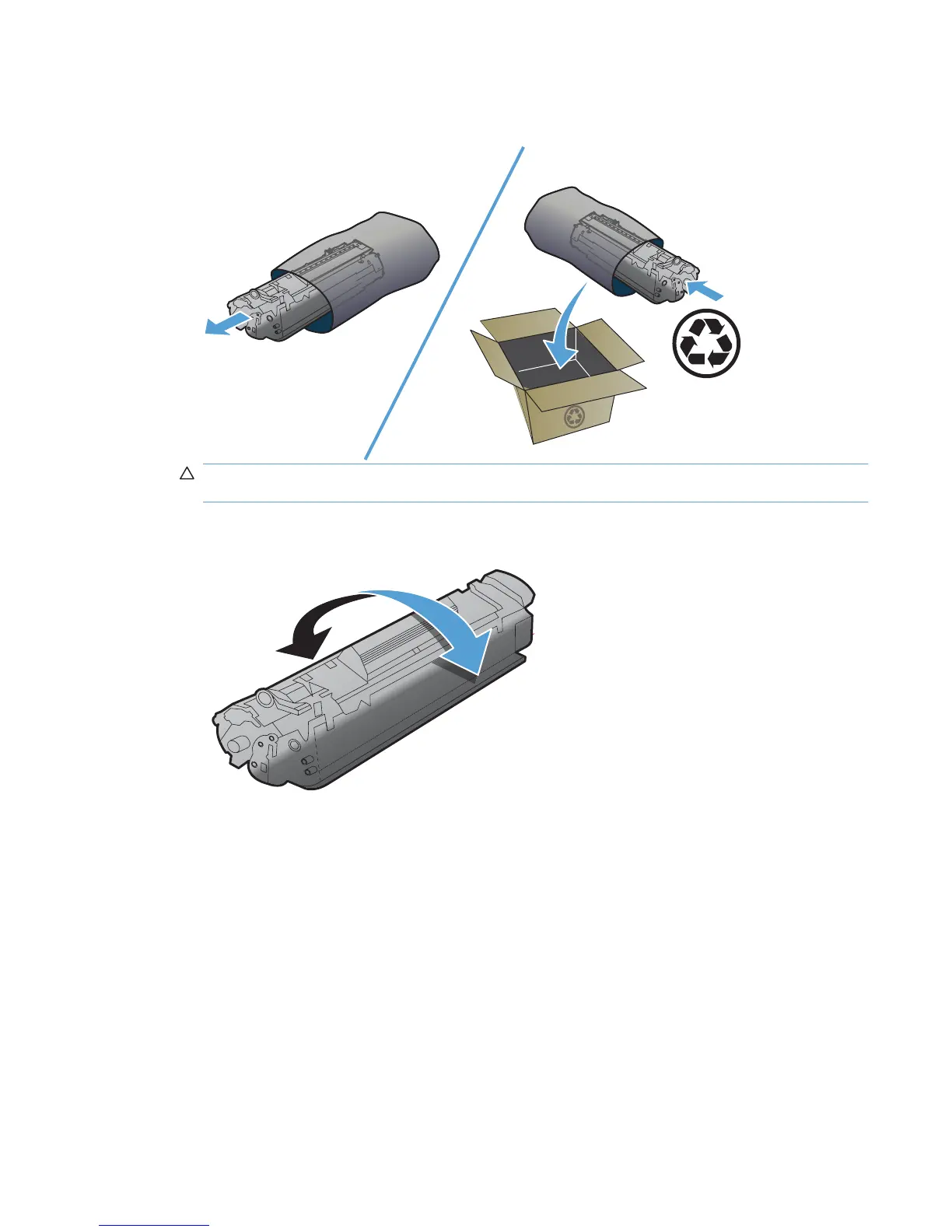
2. Remove the new print cartridge from the packaging. Place the used print cartridge in the bag and
box for recycling.
CAUTION: To prevent damage to the print cartridge, hold the print cartridge at each end. Do not
touch the cartridge shutter or the roller surface.
3. Grasp both sides of the print cartridge and gently rock the print cartridge to distribute the toner
evenly inside the cartridge.
ENWW Manage supplies and accessories 53



 To Next Page