Replace the pickup roller
Normal use with good media causes wear. The use of poor media might require more frequent
replacement of the pickup roller.
If the product regularly mispicks (no media feeds through), you might need to change or clean the pickup
roller. See
Clean the pickup roller on page 61 to order a new pickup roller.
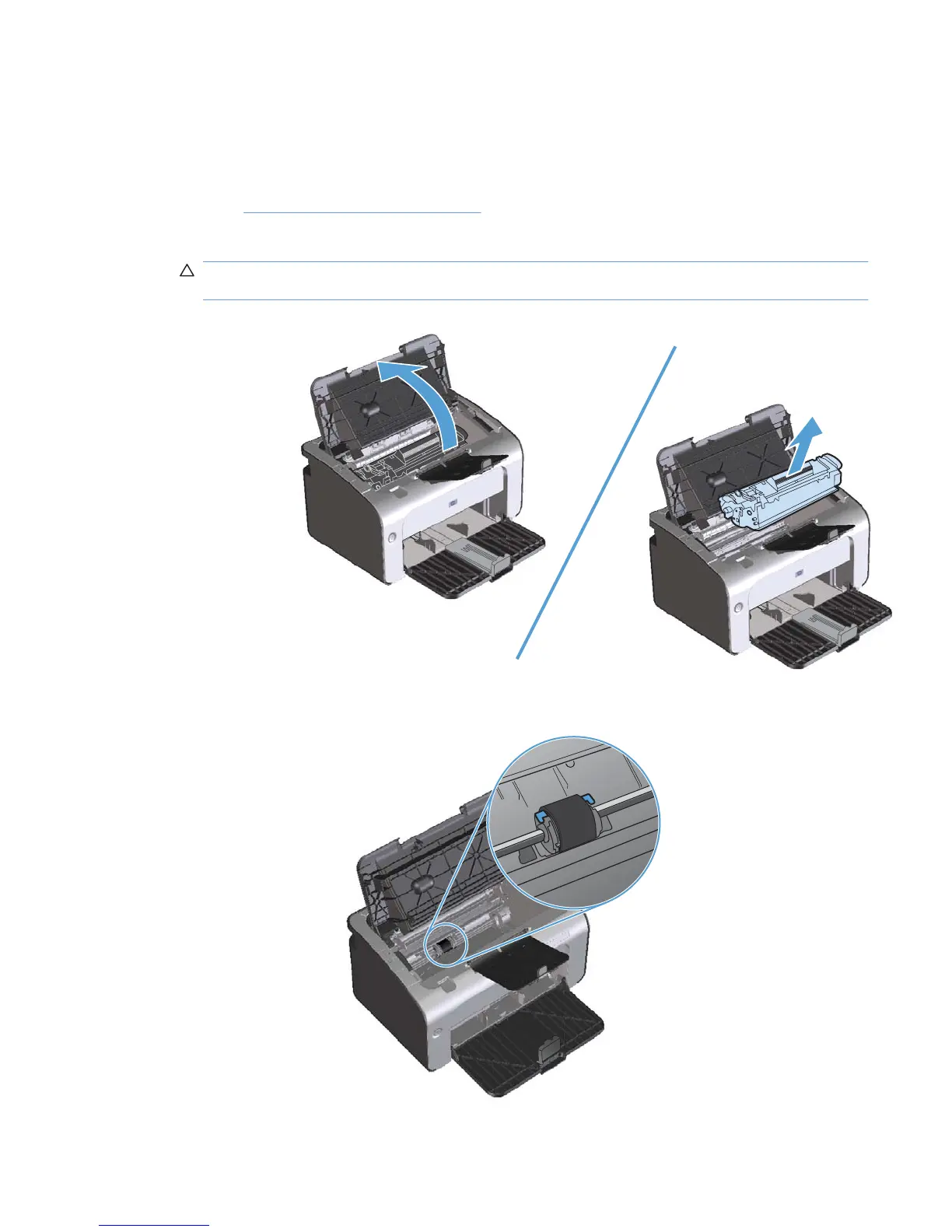
1. Open the print-cartridge door, and then remove the print cartridge.
CAUTION: To prevent damage to the print cartridge, minimize its exposure to direct light. Cover
the print cartridge with a sheet of paper.
2. Find the pickup roller.
ENWW Manage supplies and accessories 55



 To Next Page