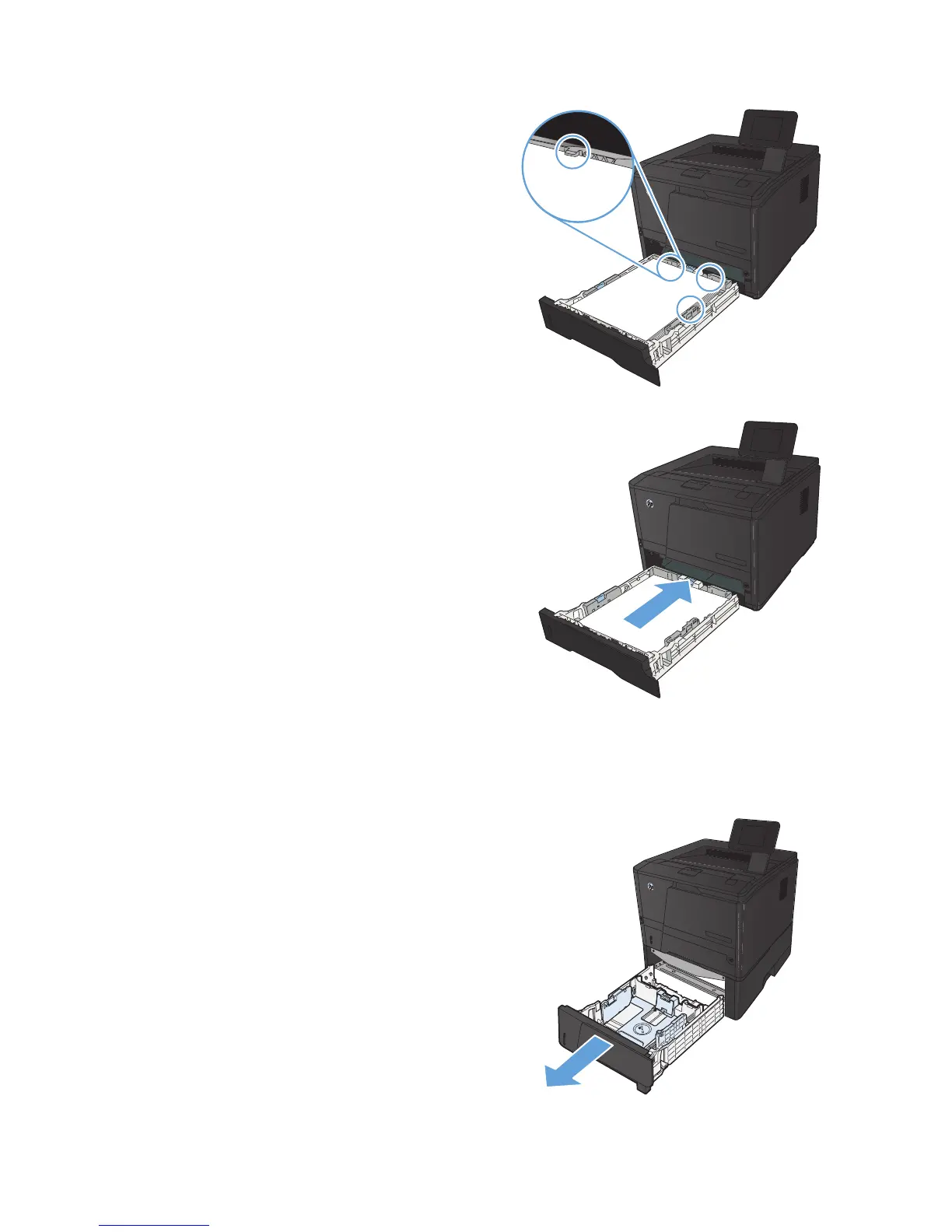
5. Push down on the paper to make sure that the
paper stack is below the paper limit tabs on
the right side and rear of the tray.
6. Slide the tray into the product.
Load optional Tray 3
1. Pull the tray out of the product.
18 Chapter 2 Paper tray ENWW



 To Next Page