Automatically print on both sides with Windows
NOTE: This section applies to the HP LaserJet Pro 400 M401d Printer, HP LaserJet Pro 400 M401dn
Printer, and HP LaserJet Pro 400 M401dw Printer models only.
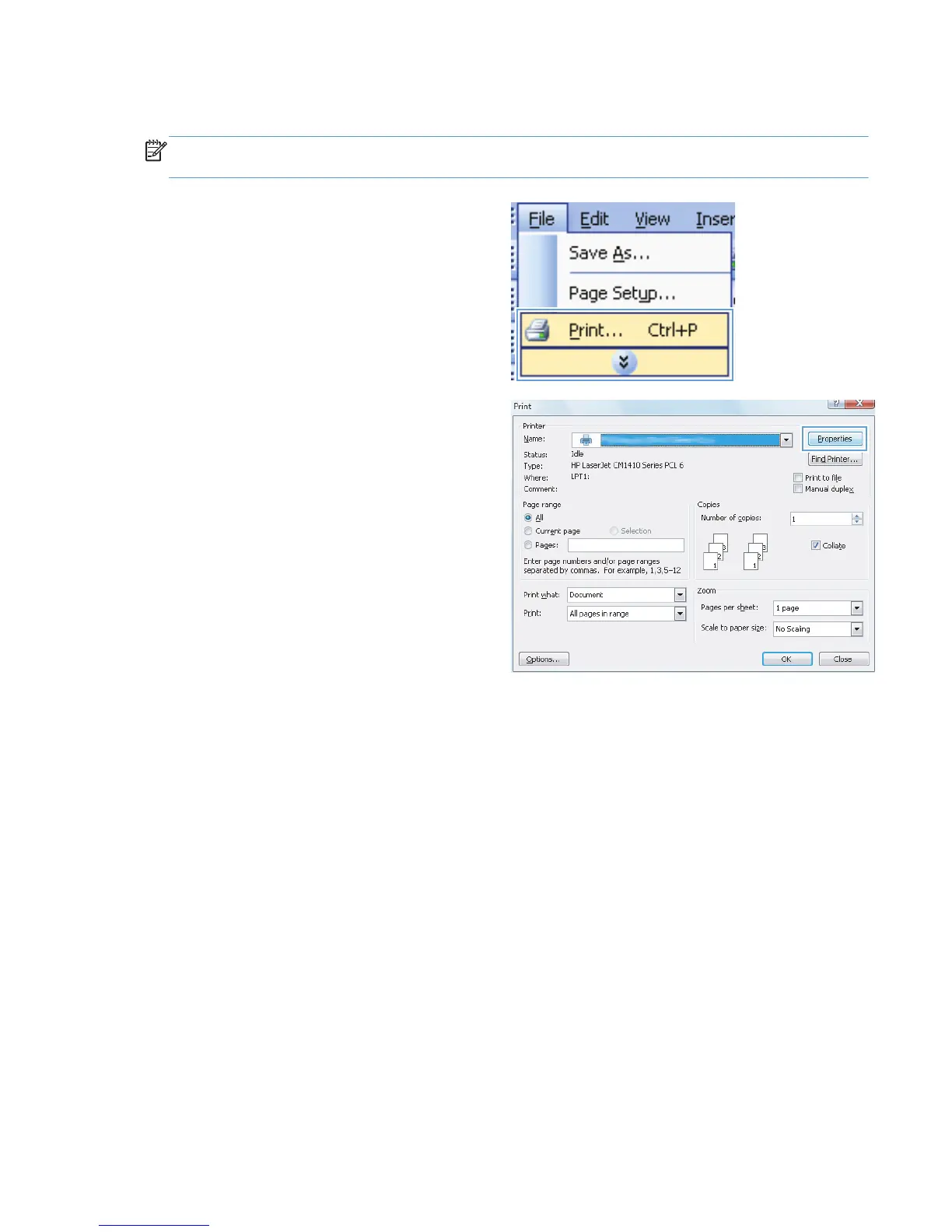
1. On the File menu in the software program,
click Print.
2. Select the product, and then click the
Properties or Preferences button.
ENWW
Print tasks for Windows
31



 To Next Page