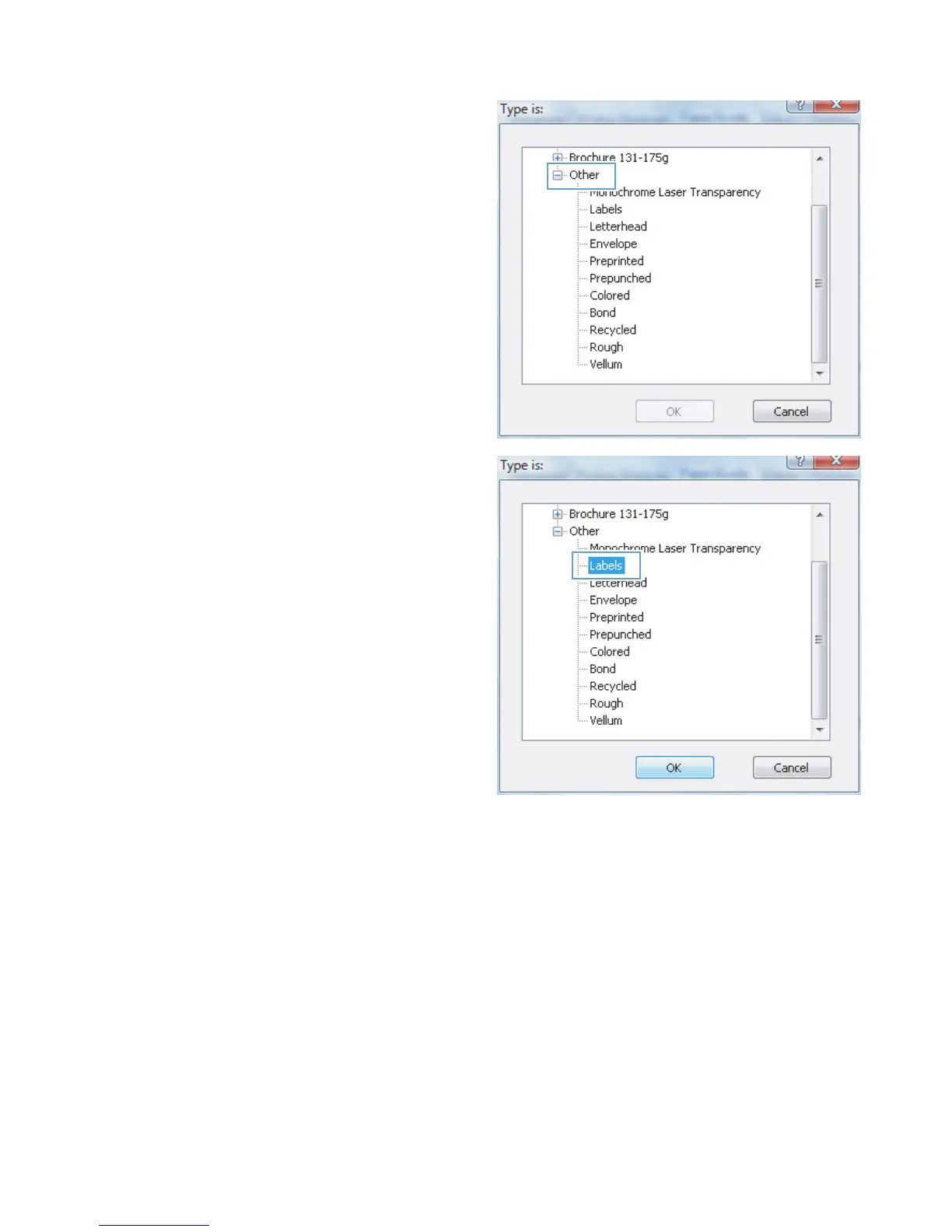
5. Select the category of paper types that best
describes your paper.
6. Select the option for the type of paper you are
using, and click the OK button.
Print the first or last page on different paper (Windows)
1. From the software program, select the Print
option.
38 Chapter 3 Print ENWW



 To Next Page