Scale a document to fit page size (Windows)
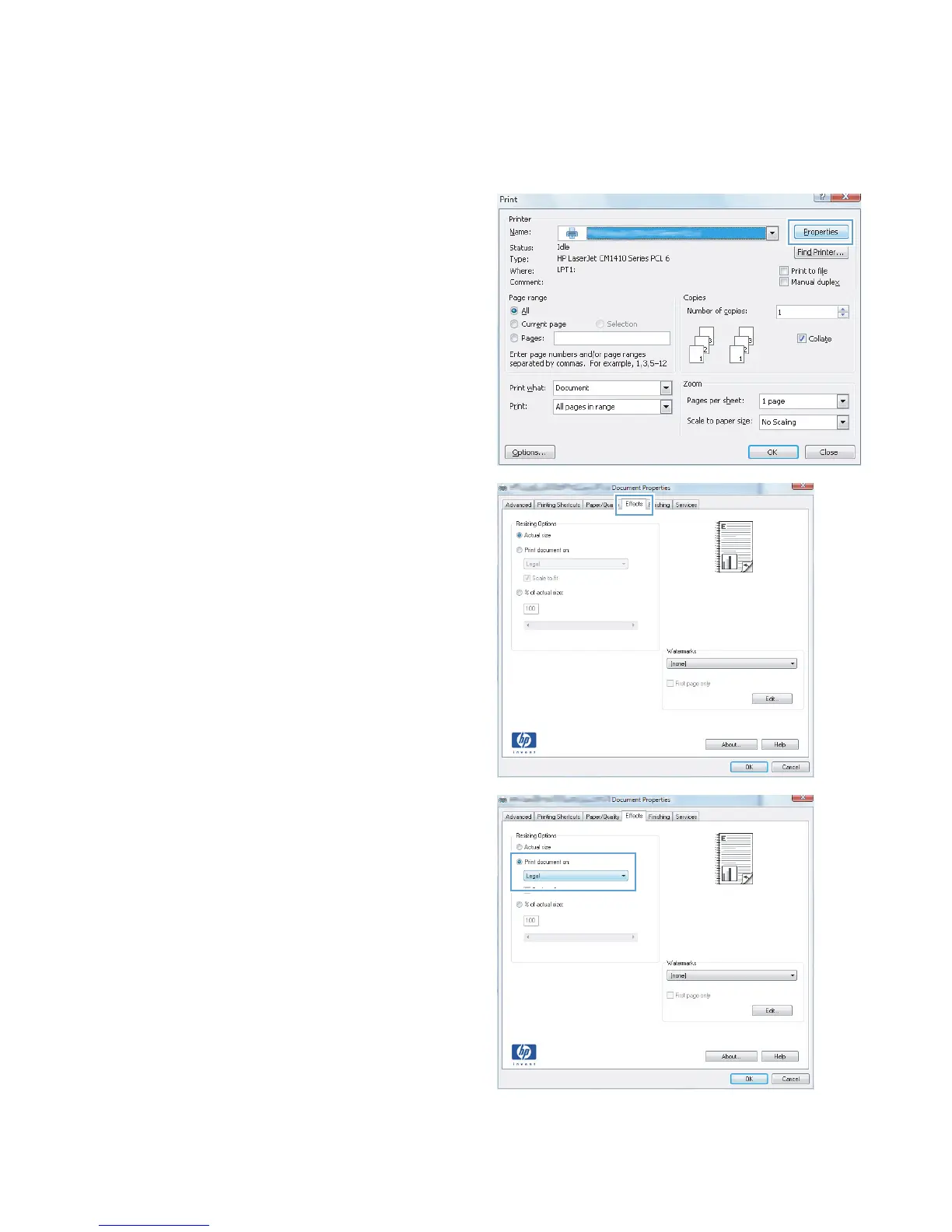
1. From the software program, select the Print
option.
2. Select the product, and then click the
Properties or Preferences button.
3. Click the Effects tab.
4. Select the Print document on option, and
then select a size from the drop-down list.
40 Chapter 3 Print ENWW



 To Next Page