English 5
HP Ergo 1024 User’s Guide
Using the Display
Using the Display
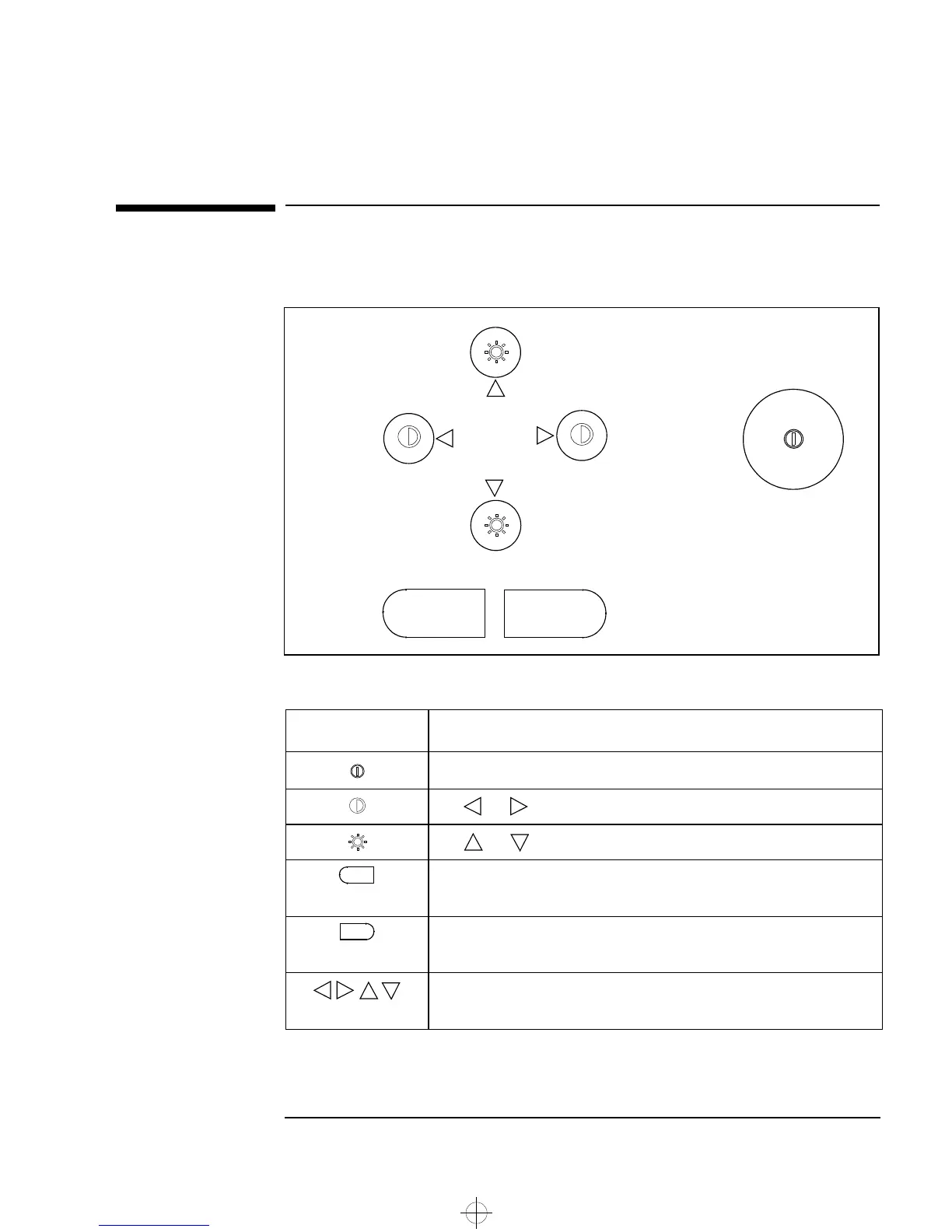
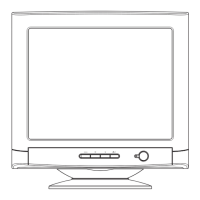
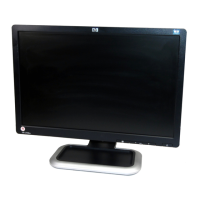
There are 7 buttons on the front of the display.
The uses of these buttons are as summarized in the following table:
The chart on the next page summarizes the sequences of button-presses that
are needed in order to make adjustments to the display settings.
Button Use
On/Off switch
The and buttons can be used to adjust the Contrast directly
The and buttons can be used to adjust the Brightness directly
1: To make the main menu appear on the screen
2: To select the highlighted menu item (and sub-menu item if there is one)
1: To return to the main menu, having completed an adjustment
2: To quit the control menu
1: To choose between items in the main menu and sub menus
2: To make adjustments to the selected menu item
1
2
1
2
tahit-uk.bk : english.fb4 Page 5 Tuesday, July 8, 1997 10:35 AM



 To Next Page