5–3
Company confidential. Genie User’s Guide, Edition 2, First Draft. Freeze Status: open
This is the blue on page 5–3 (seq: 95)
This is the black on page 5–3 (seq: 95)
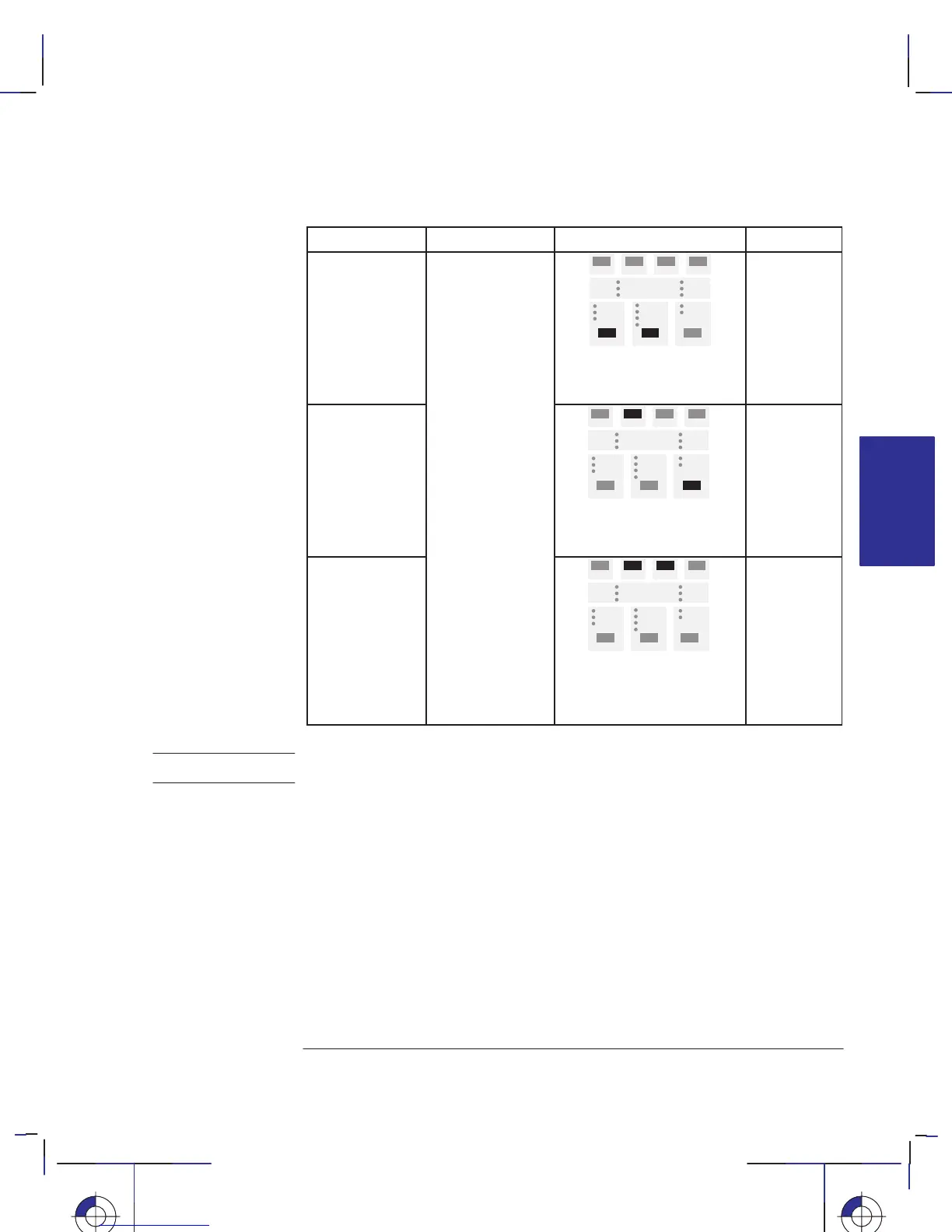
Print See page...To print it, press ...Purpose
Service
Configuration
Print
These prints are
essentially for
use by a qualified
service engineer,
if troubleshooting
the printer.
You may be
asked to print one
the Print Quality and
Media Type keys
simultaneously
–
Print Quality
Test Print
an
rea
ou
some details over
the telephone.
the Form Feed and
Media Source keys
simultaneously
5–12
Calibration Print
the Form Feed and
Reprint keys
simultaneously
6–11
Except under direction of a qualified service engineer, you are advised not to
press simultaneously any other combinations of keys.
INTERNAL
5
PRINTS
Special internal prints
Their purpose and how to print them
Localization Note.
CAUTION



 To Next Page