HP Deskjet F2200 All-in-One series • 3
6
5
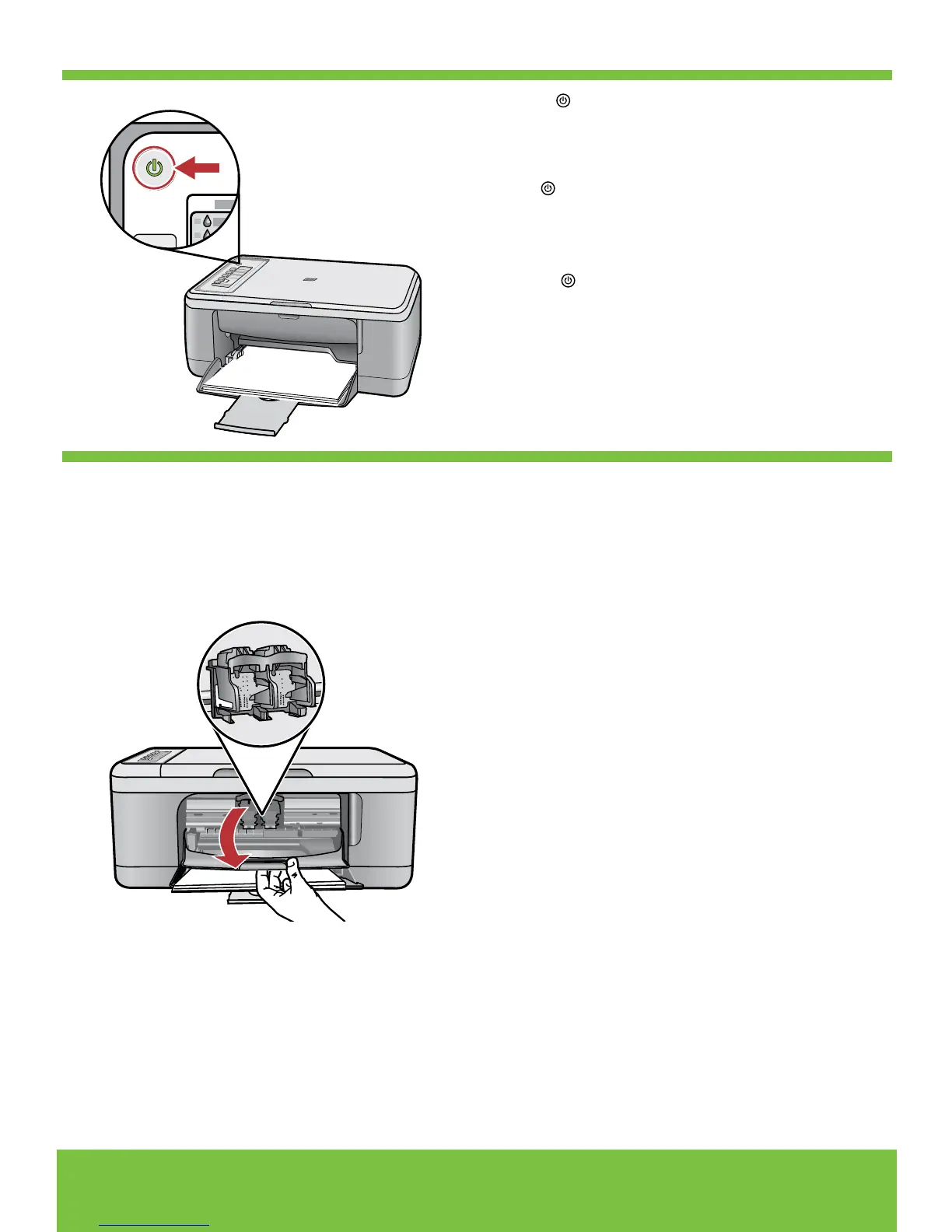
Tekan (Tombol On).
Catatan: Untuk mendapatkan informasi lebih
lengkap mengenai tombol-tombol panel kontrol,
baca
Panduan Dasar.
Buka pintu kartrid cetak. Tunggu sampai tempat
kartrid cetak bergerak ke tengah produk.
Catatan: Jika tempat kartrid tidak bergerak, cabut
kabel produk. Lepaskan semua pita perekat dan
bahan kemasan, lihat langkah 1. Hubungkan
kembali kabel listrik dan hidupkan produk.
กด (ปุ่มเปิด)
หมายเหตุ: สำหรับข้อมูลเพิ่มเติมเกี่ยวกับปุ่มบน
แผงควบคุม โปรดดู คู่มือผู้ใช้เบื้องต้น
เปิดฝาปิดช่องใส่ตลับหมึกพิมพ์ รอจนกระทั่งแคร่ตลับหมึก
พิมพ์เลื่อนไปตรงกลางเครื่องพิมพ์
หมายเหตุ: หากแคร่ตลับหมึกพิมพ์ไม่เลื่อนไป ให้ดึงปลั๊ก
เครื่องพิมพ์ออก นำเทปและวัสดุบรรจุภัณฑ์ออกให้หมด
ดูขั้นตอนที่ 1 จากนั้นต่อสายไฟอีกครั้ง แล้วเปิดเครื่องพิมพ์
Open the print cartridge door. Wait until the print
carriage moves to the center of the product.
Note: If the carriage does not move, unplug the
product. Remove all tape and packing material,
see step 1. Reconnect the power cord and turn
on the product.
Press (On button).
Note: For more information on the control panel
buttons, see the Basics Guide.



 To Next Page