2008 Hewlett-Packard Development Company, L.P.
Windows is a registered trademark of Microsoft Corporation.
www.hp.com/support
Pemecahan masalah
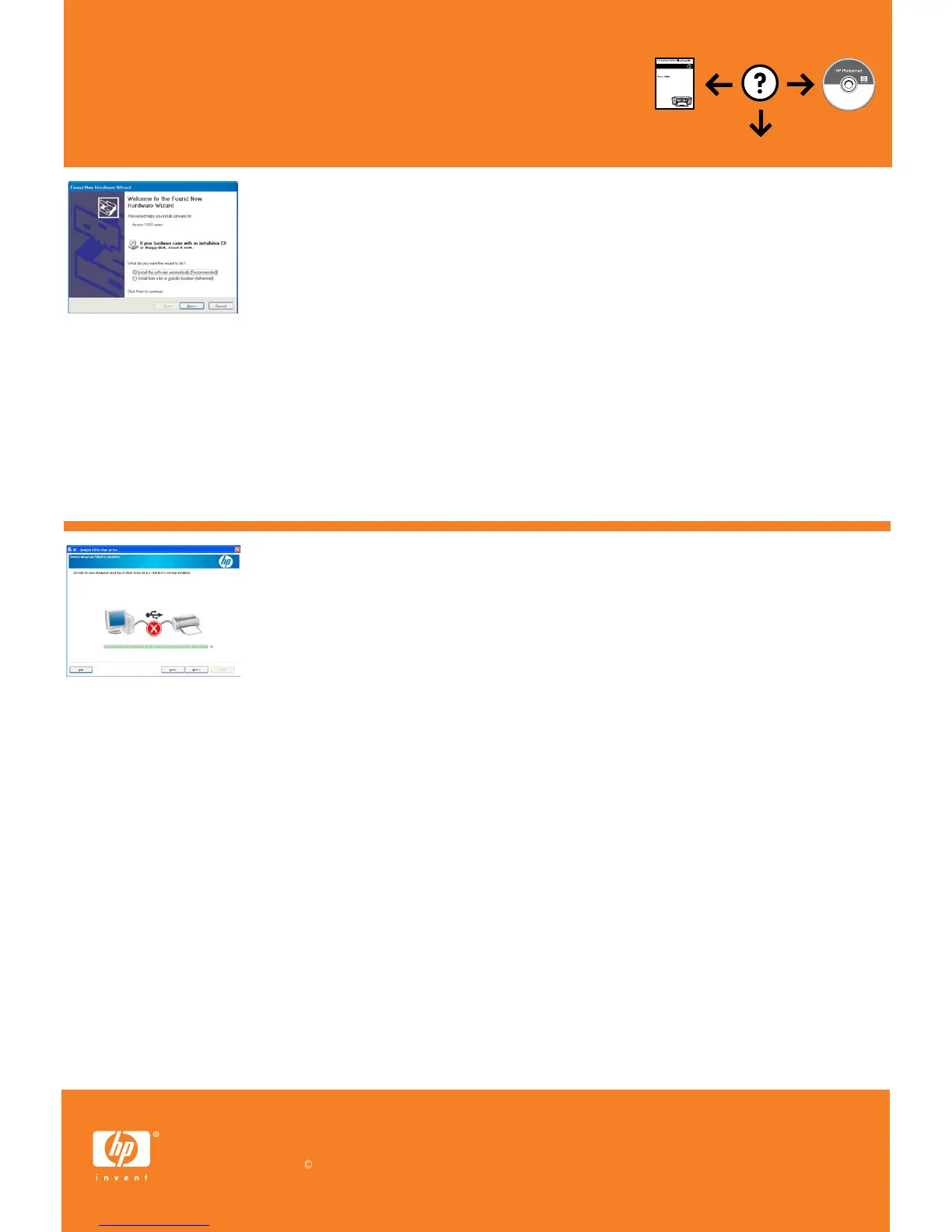
Masalah: (Khusus Windows) Layar Microsoft Add Hardware [Tambahkan Perangkat Keras] muncul.
Tindakan: Tutup semua layar. Lepaskan kabel USB, kemudian masukkan CD perangkat lunak.
Lihat Langkah 11 dan 12.
Masalah: (Khusus Windows) Layar Device Setup Has Failed To Complete [Pemasangan Perangkat
Gagal Diselesaikan] muncul.
Tindakan: Lepaskan kabel produk, kemudian pasangkan kembali. Pastikan printer telah dihidupkan.
Periksa semua sambungan. Pastikan kabel USB sudah terpasang ke komputer. Jangan pasang
kabel USB ke keyboard atau hub USB yang tidak memiliki daya. Lihat Langkah 12.
การแก้ไขปัญหาเบื้องต้น
ปัญหา: (เฉพาะ Windows เท่านั้น) หน้าจอ Add Hardware (เพิ่มฮาร์ดแวร์) ของ Microsoft ปรากฏขึ้น
วิธีแก้ไข: ยกเลิกหน้าจอทั้งหมด ดึงสาย USB จากนั้นใส่ซีดีซอฟต์แวร์เข้าไป โปรดดูขั้นตอนที่ 11 และ 12
ปัญหา: (เฉพาะ Windows เท่านั้น) หน้าจอ Device Setup Has Failed To Complete
(การติดตั้งอุปกรณ์ไม่เสร็จสมบูรณ์) ปรากฏขึ้น
วิธีแก้ไข: ถอดปลั๊กเครื่องพิมพ์ออกแล้วเสียบกลับเข้าไปใหม่ ตรวจสอบว่าเครื่องพิมพ์เปิดอยู่ ตรวจ
สอบสายเชื่อมต่อทั้งหมด ตรวจสอบว่าได้ต่อสาย USB เข้ากับคอมพิวเตอร์แล้ว ห้ามเสียบสาย USB
เข้ากับแป้นพิมพ์หรือฮับ USB ที่ไม่ได้ต่อกับแหล่งจ่ายไฟ โปรดดูขั้นตอนที่ 12
Troubleshooting
Problem: (Windows only) The Device Setup Has Failed To Complete screen displays.
Action: Unplug the product and plug it in again. Make sure that the printer is turned on.
Check all connections. Make sure the USB cable is plugged into the computer. Do not plug
the USB cable into a keyboard or a non-powered USB hub. Refer to Step 12.
Problem: (Windows only) The Microsoft Add Hardware screens display.
Action: Cancel all screens. Unplug the USB cable, and then insert the software CD.
Refer to Steps 11 and 12.
Printed in <country>



 To Previous Page