17
3.1.4 Taking Photographs
You can also use this camcorder to
take snapshots of the current scene.
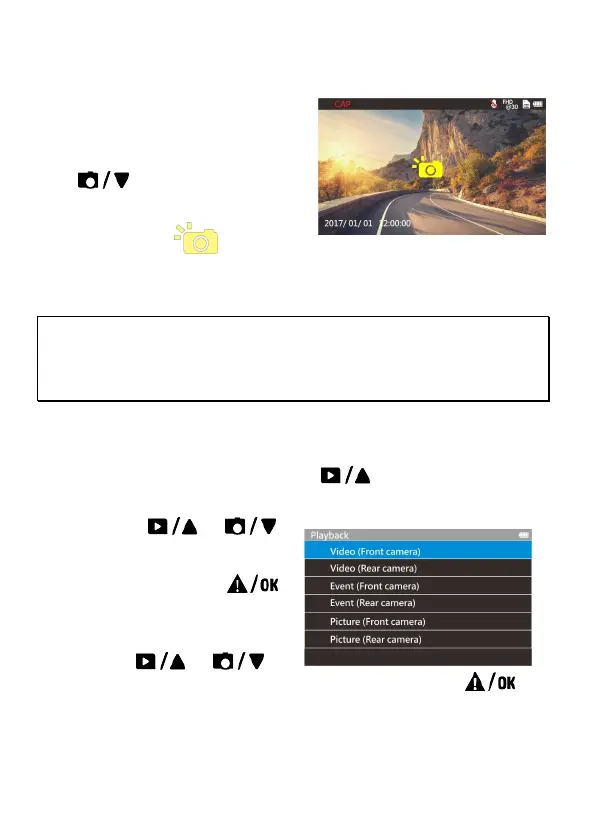
1. In recording status, press
to capture recording
screen shots from the front lens.
2. When the icon shows in
the central of screen, it means the screenshots is completed.
Note:
The picture resolution is limited by the speed of the target object and changes in ambient
lighting. The photograph function is better used for taking still pictures in accident
scenes or when the car is stopped to wait for a traffic light.
3.2 Playback Videos and Photos
1. If recording is in progress, press the button to stop recording
and enter the playback menu.
2. Press the
or
button to select the file
category that you want to
browse and press the
button to display thumbnail
images of the recorded video
or photo files.
3. Use the
or to
select the video or photo you want to playback, and press
button to confirm your selection.



 To Next Page