24
3.7 LDWS
Once LDWS triggers, this camcorder will produce audible alert and screen
message when you drive off or change lanes.
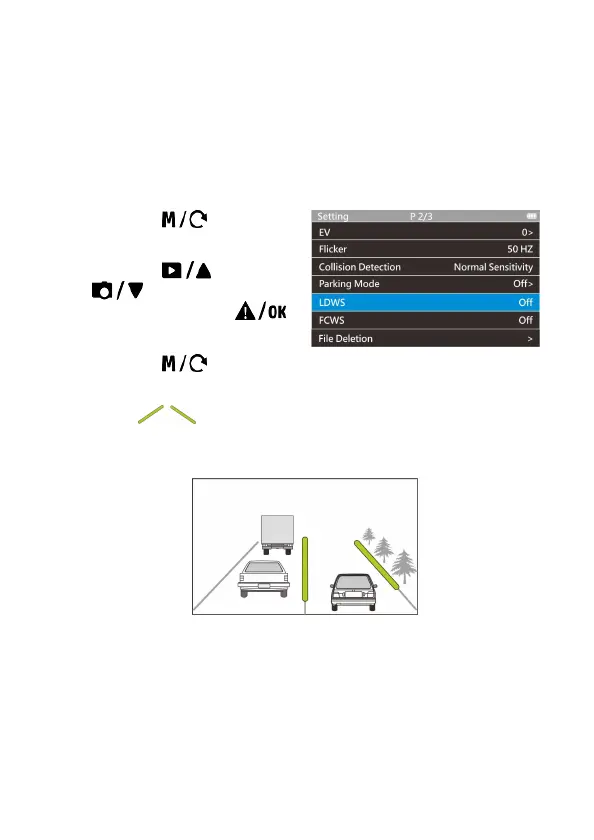
To set the LDWS (Lane Departure Warning System), do the following:
1. Press the button to
enter the main menu.
2. Press the
or
button to select
LDWS, and press the
button to enable the function.
3. Press the button to return to recording screen.
4. After enabling LDWS, the screen will display traffic lane align icon in
green , please adjust the camcorder so the slash lines are
centered in the driving lane.



 To Next Page