25
3.4.2 Speed Limit Alert
If the Speed Limit Alert function is enabled, this product produces
audible alert and screen message once your car’s location is determined
by GPS and its running speed exceeds the set limit.
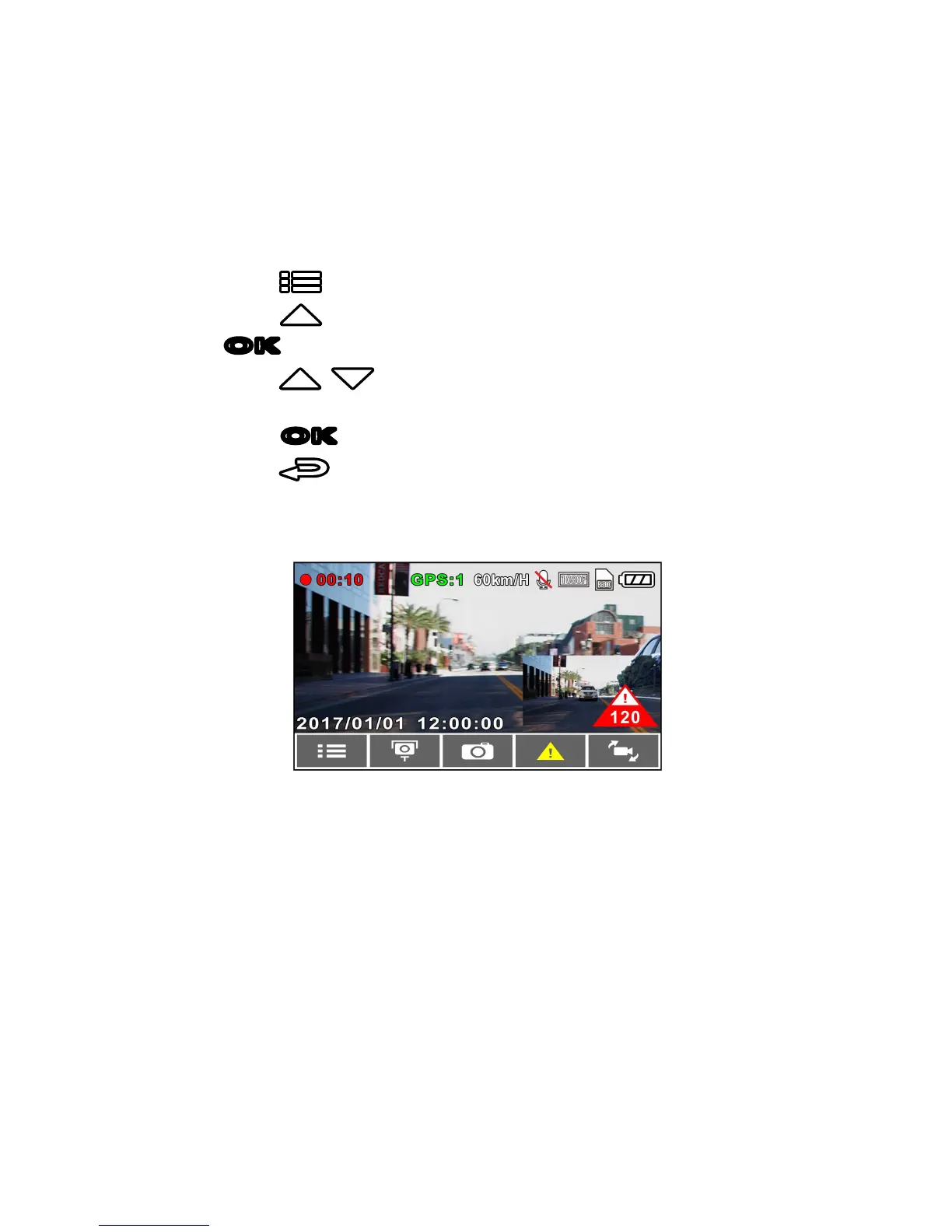
To set the Speed Limit Alert, do the following:
1. Press the button to enter the OSD menu.
2. Press the / button to select Speed Limit Alert, and then press
the
OK
button for entering function menu.
3. Press the / button to set up a Speed Limit Alert to trigger
this product’s alarm [Off / 50 ~ 200 km/h (30~125 mph)], and then
press the
OK
button to complete setting.
4. Press the button to return recording screen.
5. The alarm screen turns red to remind you to slow down if you are
driving faster than the speed limit.


 To Next Page