33
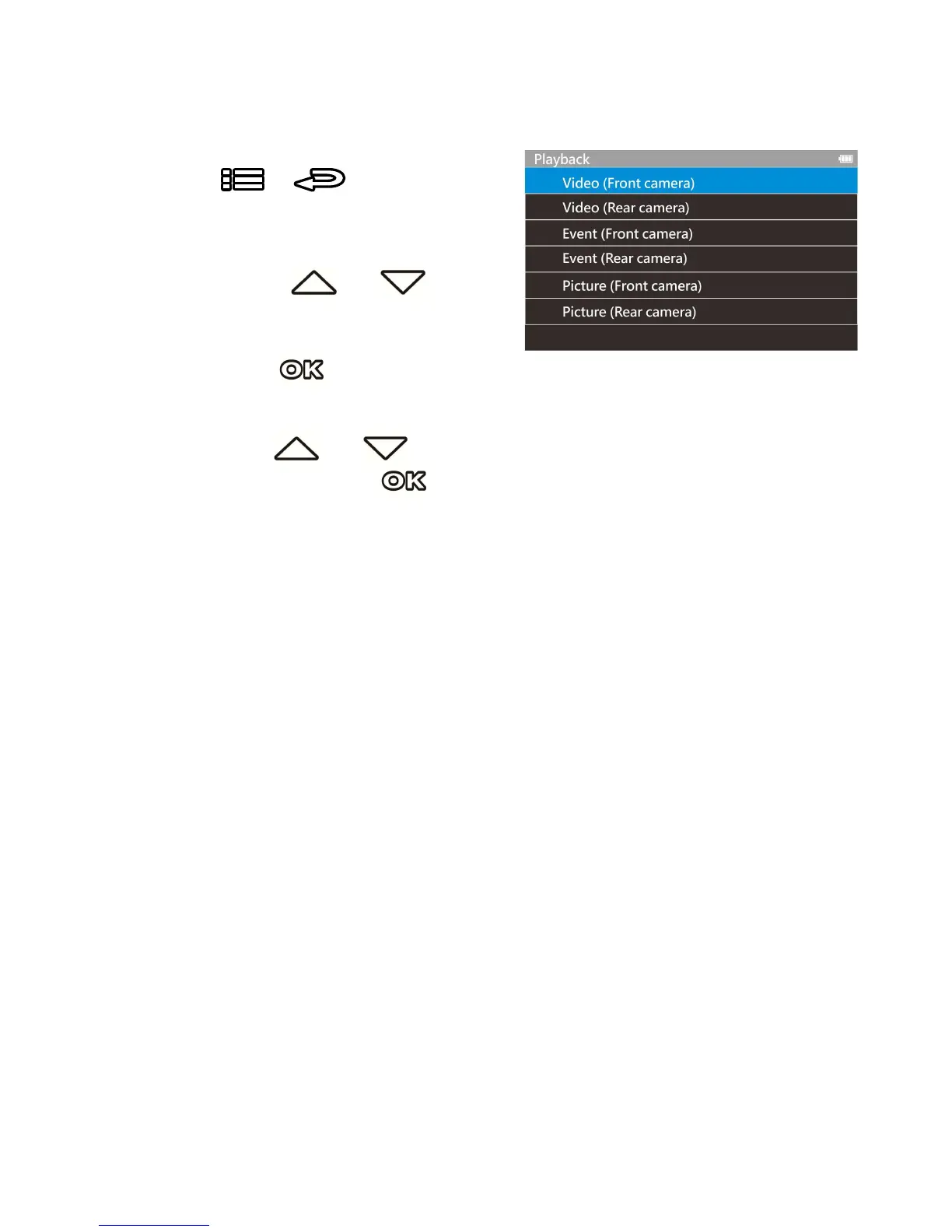
3.6 Playback Videos and Photos
1.
If recording is in progress, press
the
/
button to
stop recording and enter the
playback menu.
2.
Press the or
button to select the file category
that you want to browse and
press the button to display thumbnail images of the
recorded video or photo files.
3.
Use the or to select the video or photo you want to
playback, and press button to confirm your selection.


 To Next Page