Make multiple copies
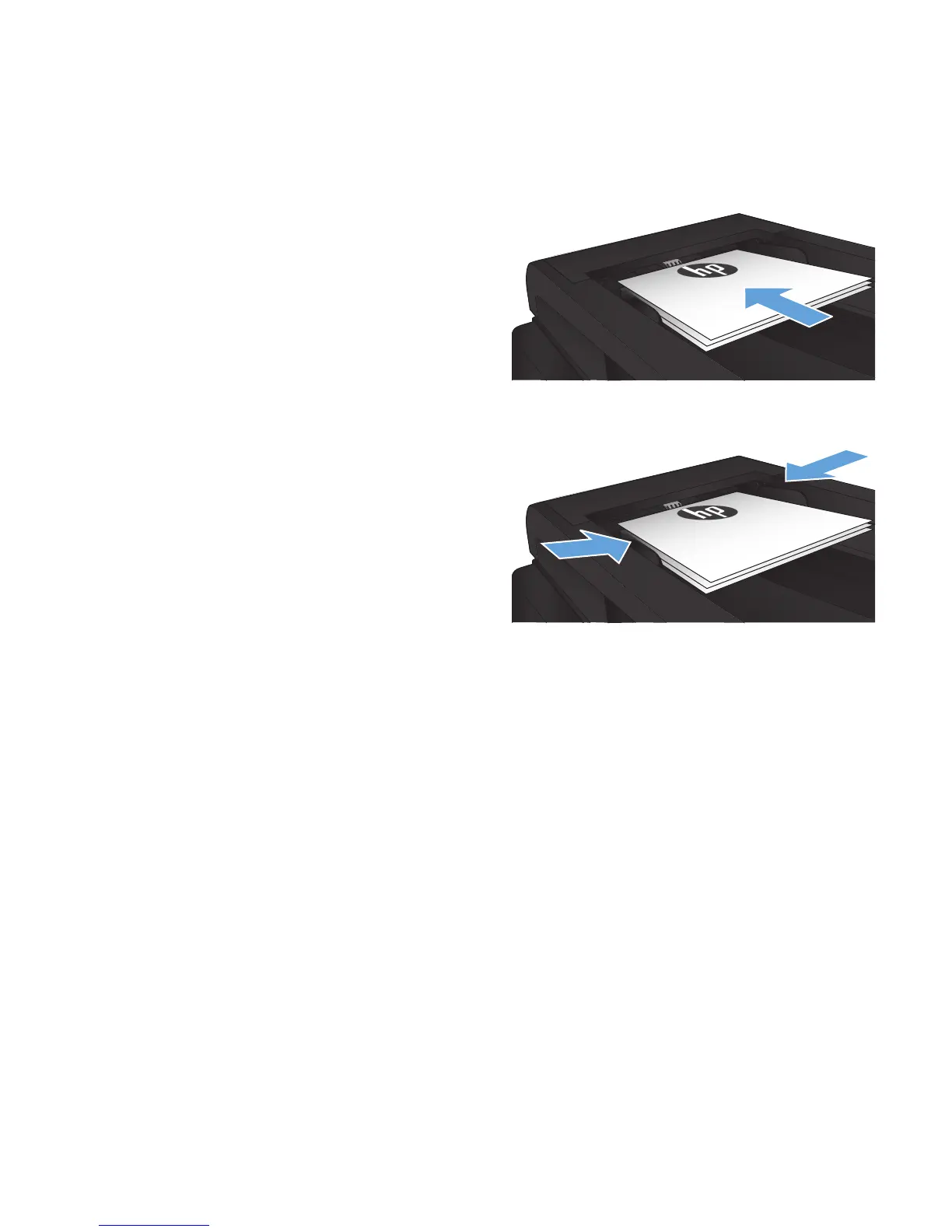
1. Load the document onto the scanner glass or
into the document feeder.
NOTE: If documents are in the document
feeder and on the scanner glass at the same
time, the product processes the document in
the document feeder and not the one on the
scanner glass.
2. If you loaded the document into the document
feeder, adjust the guides until they are snug
against the paper.
3. From the Home screen on the product control
panel, touch the Copy button.
4. Touch the arrows to change the number of
copies, or touch the existing number and enter
the number of copies.
5. Touch the Start Copy button to start copying.
ENWW
Make multiple copies
87








 To Next Page