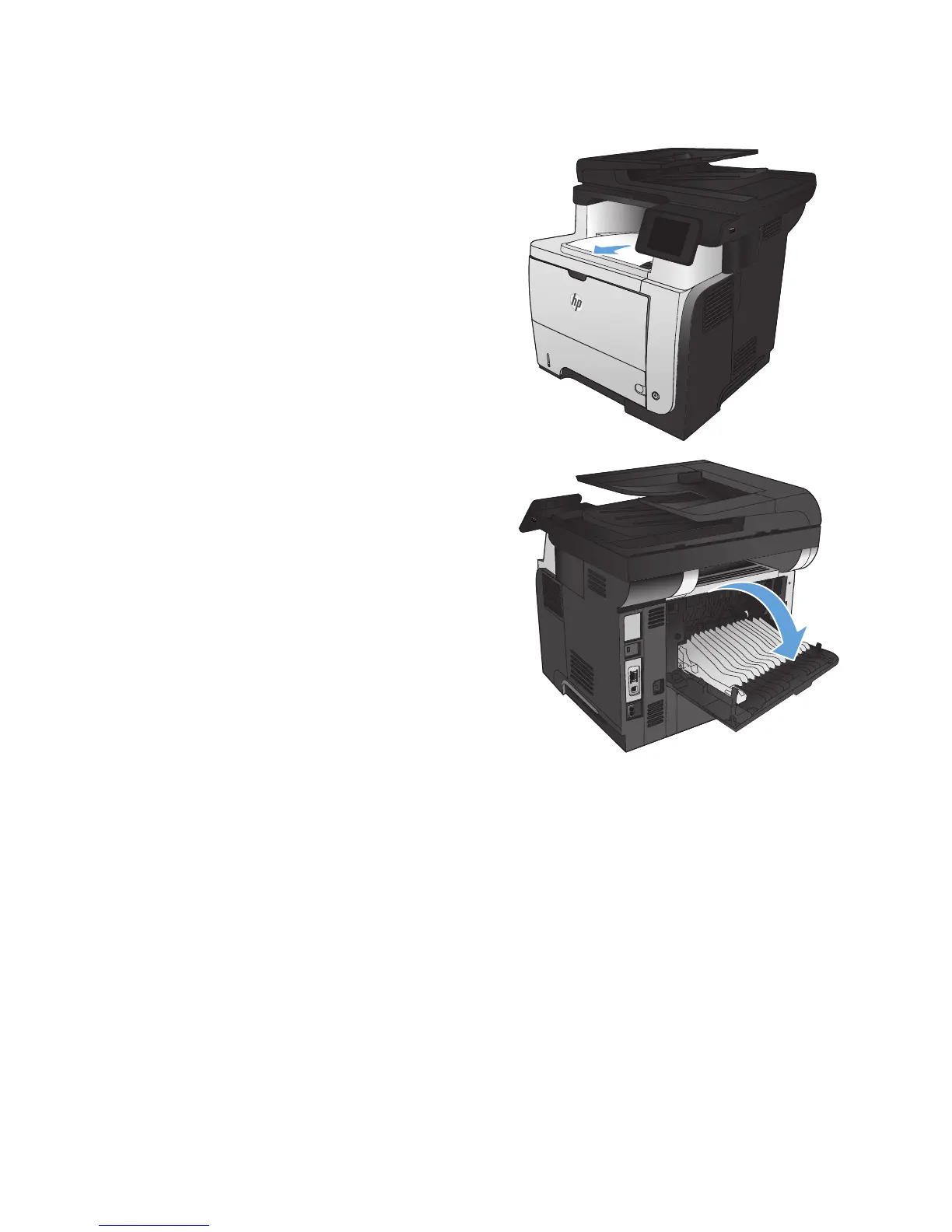
Clear jams in the output area
1. If paper is visible from the output bin, grasp
the leading edge and remove it.
2
2. Open the rear door, and push down so it is
fully opened to a 90° angle.
NOTE: The rear door has two positions. It
opens to a 45° angle for the rear output bin
and to a 90° angle for clearing jams.
168 Chapter 9 Solve problems ENWW








 To Next Page