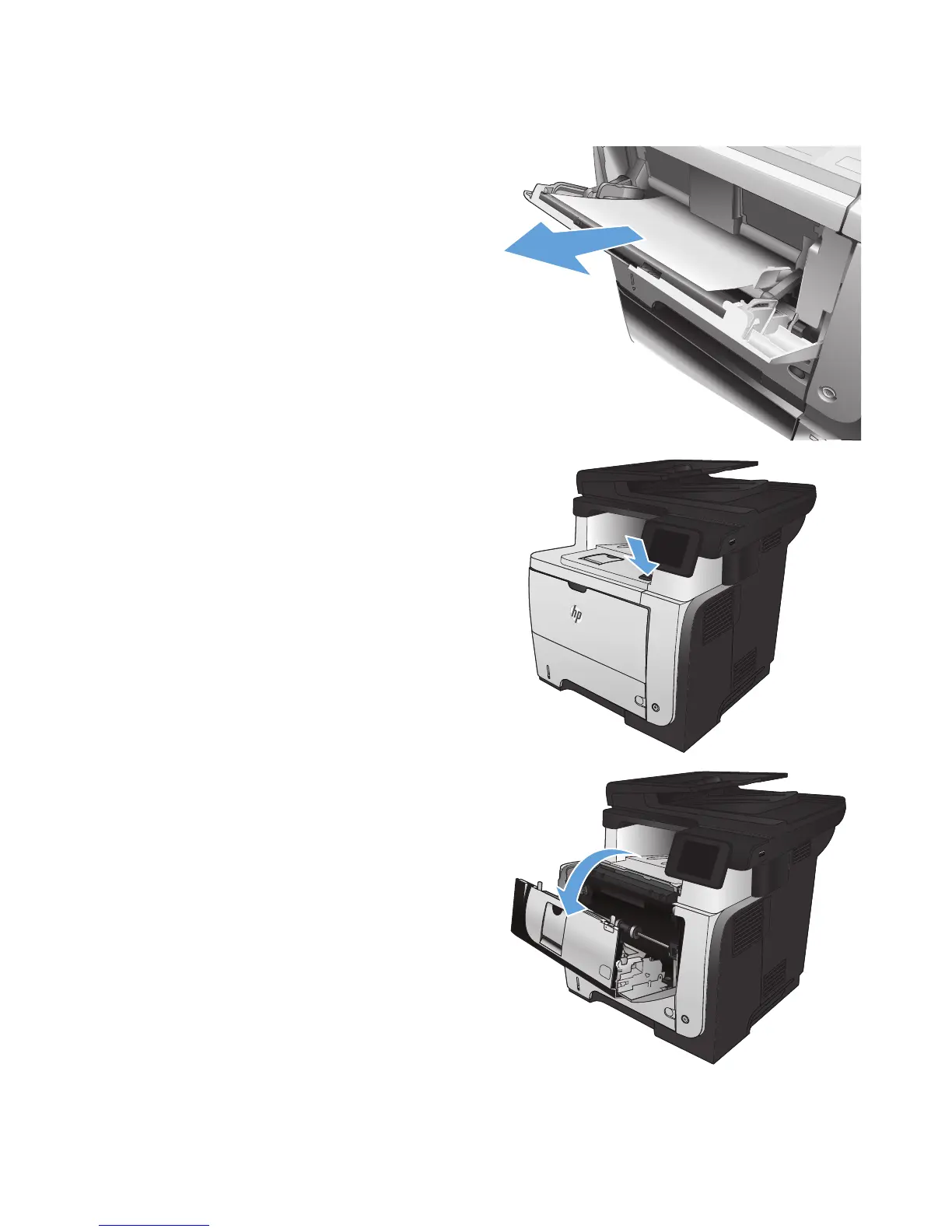
Clear jams in Tray 1
1. If most of the sheet of paper is visible in the
tray, slowly pull the jammed paper out of the
product.
If most of the sheet of paper has been pulled
inside the product, continue with the following
steps.
2. Press the front-door-release button.
2
3. Open the front door.
2
1








 To Next Page