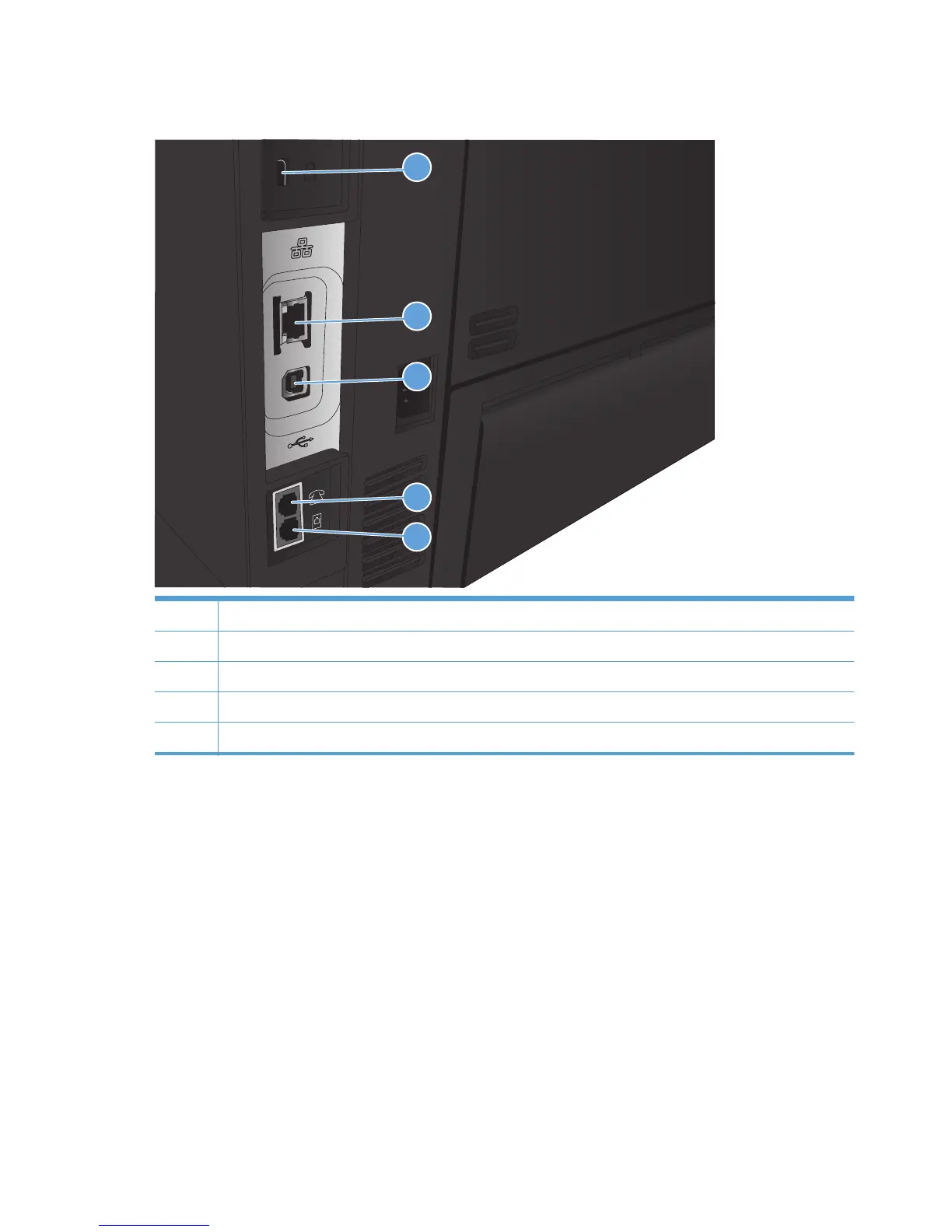
Interface ports
1
2
3
4
5
1 Slot for a cable-type security lock
2 Local area network (LAN) Ethernet (RJ-45) network port
3 Hi-Speed USB 2.0 printing port
4 Telephone “line out” port for attaching an extension phone, answering machine, or other device
5 Fax “line in” port for attaching the fax phone line to the product
6 Chapter 1 Product introduction ENWW








 To Next Page