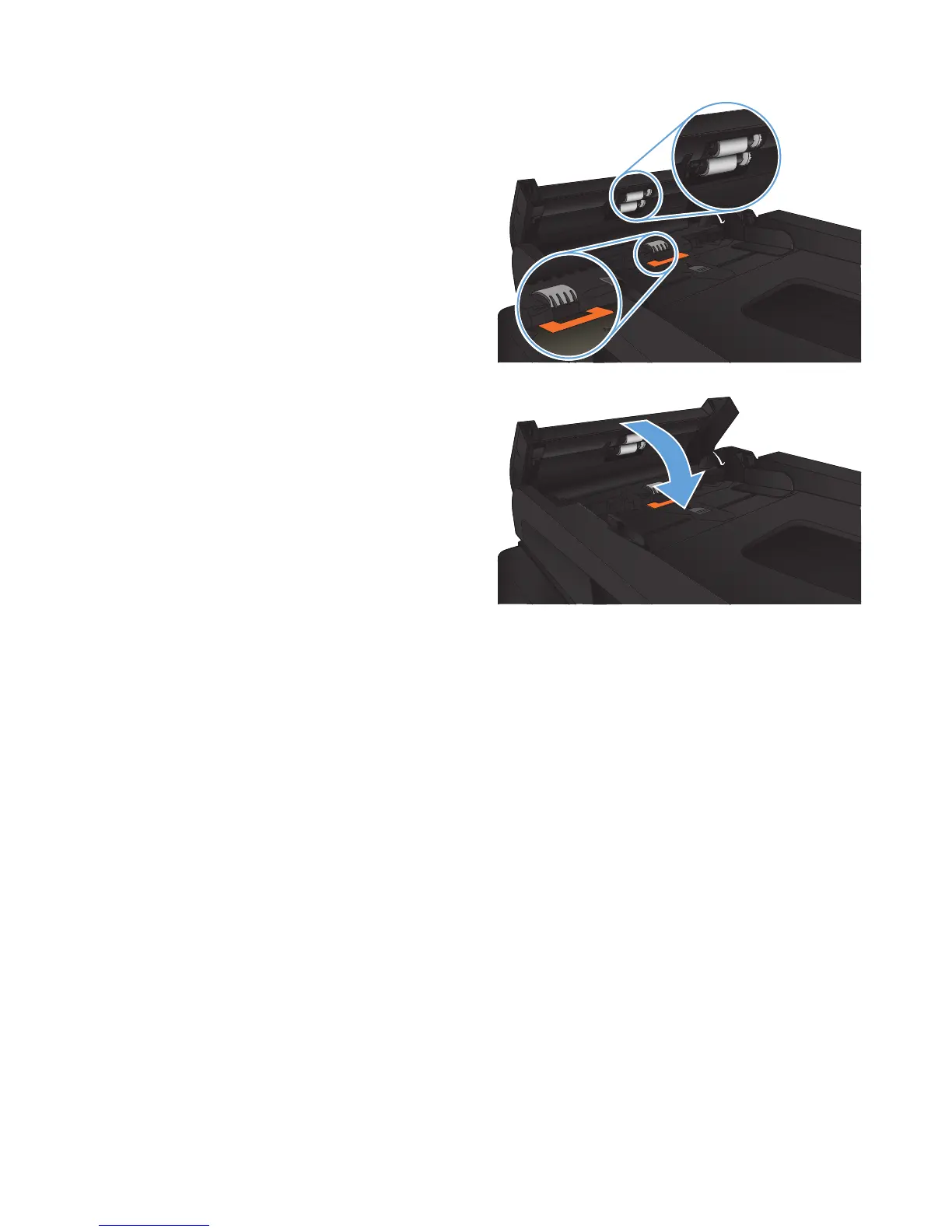
2. Use a moist, lint-free cloth to wipe both pickup
rollers and the separation pad to remove dirt.
CAUTION: Do not use abrasives, acetone,
benzene, ammonia, ethyl alcohol, or carbon
tetrachloride on any part of the product; these
can damage the product. Do not place liquids
directly on the glass or platen. They might seep
and damage the product.
3. Close the document-feeder cover.
192 Chapter 9 Solve problems ENWW








 To Next Page