Print tasks (Windows)
●
Use a printing shortcut (Windows)
●
Create printing shortcuts (Windows)
●
Automatically print on both sides (Windows)
●
Manually print on both sides (Windows)
●
Print multiple pages per sheet (Windows)
●
Select the page orientation (Windows)
●
Select the paper type (Windows)
●
Print the first or last page on different paper (Windows)
●
Scale a document to fit page size (Windows)
●
Create a booklet (Windows)
●
Select the paper size (Windows)
●
Select a custom paper size (Windows)
●
Print watermarks (Windows)
●
Cancel a print job (Windows)
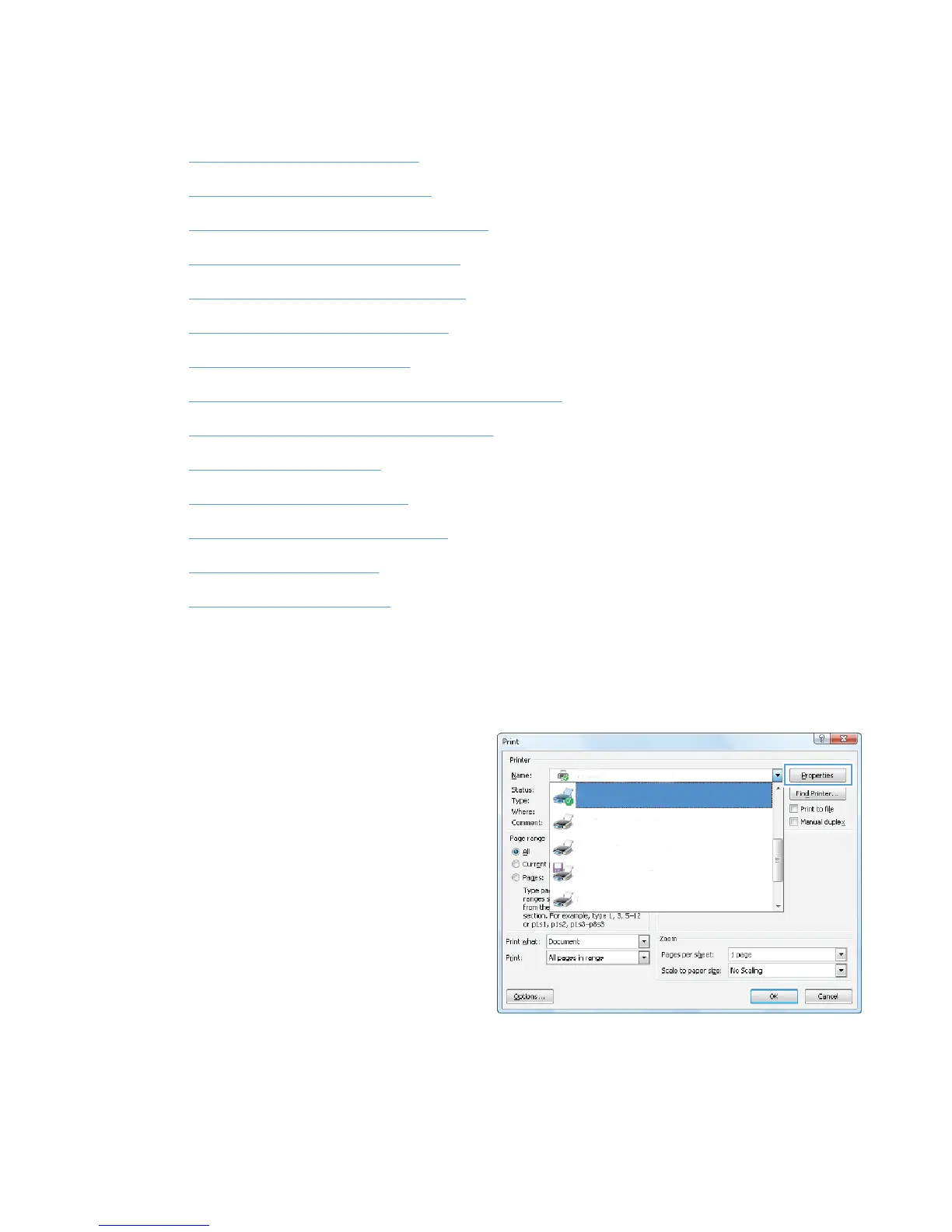
Use a printing shortcut (Windows)
1. From the software program, select the Print
option.
2. Select the product, and then click the
Properties or Preferences button.
46 Chapter 4 Print ENWW








 To Next Page