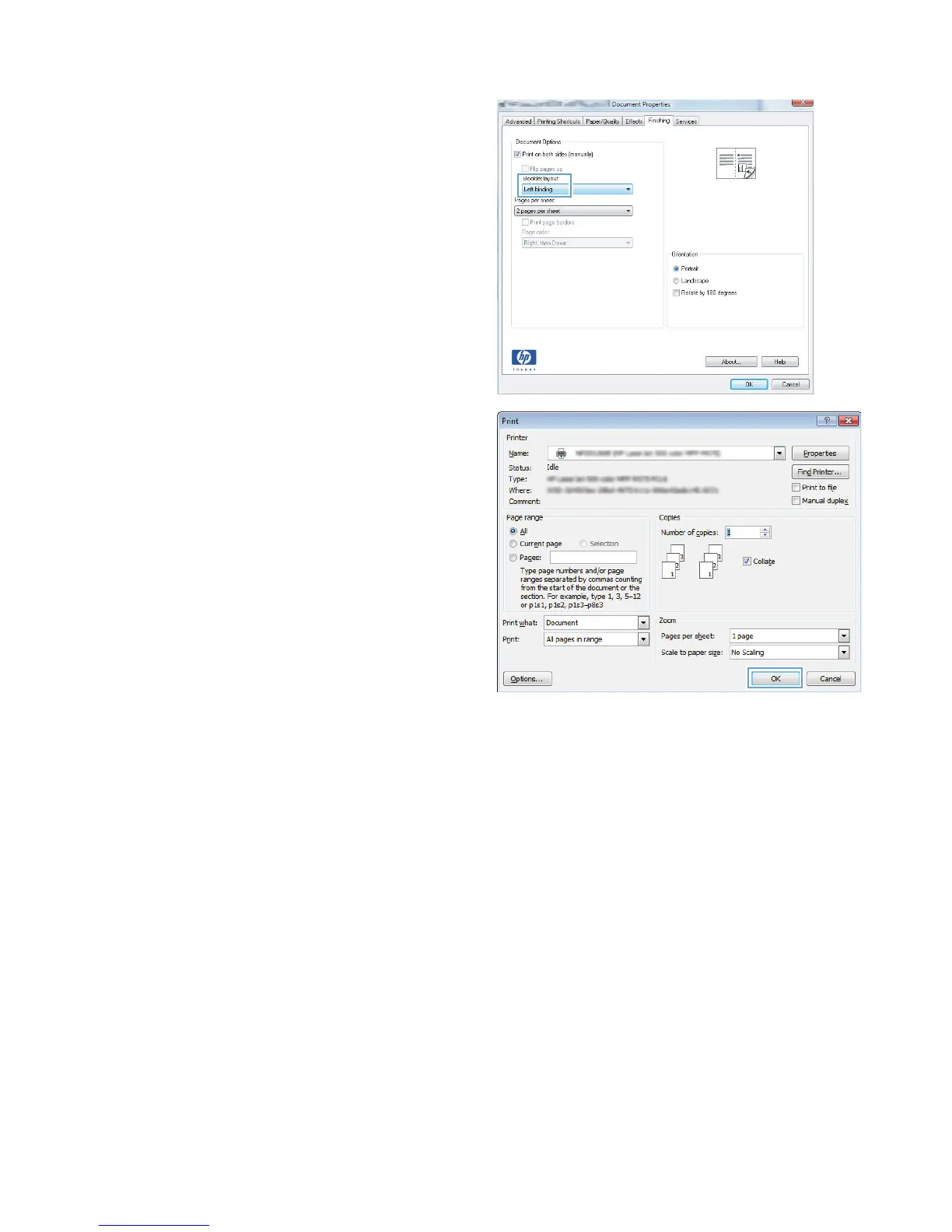
5. In the Booklet layout drop-down list, click
the Left binding or Right binding option.
The Pages per sheet option automatically
changes to 2 pages per sheet.
Click the OK button to close the Document
Properties dialog box.
6. In the Print dialog box, click the OK button to
print the job.
Select the paper size (Windows)
1. From the software program, select the Print option.
2. Select the product, and then click the Properties or Preferences button.
3. Click the Paper/Quality tab.
4. Select a size from the Paper size drop-down list.
5. Click the OK button.
6. In the Print dialog box, click the OK button to print the job.
Select a custom paper size (Windows)
1. From the software program, select the Print option.
2. Select the product, and then click the Properties or Preferences button.
70 Chapter 4 Print ENWW








 To Next Page