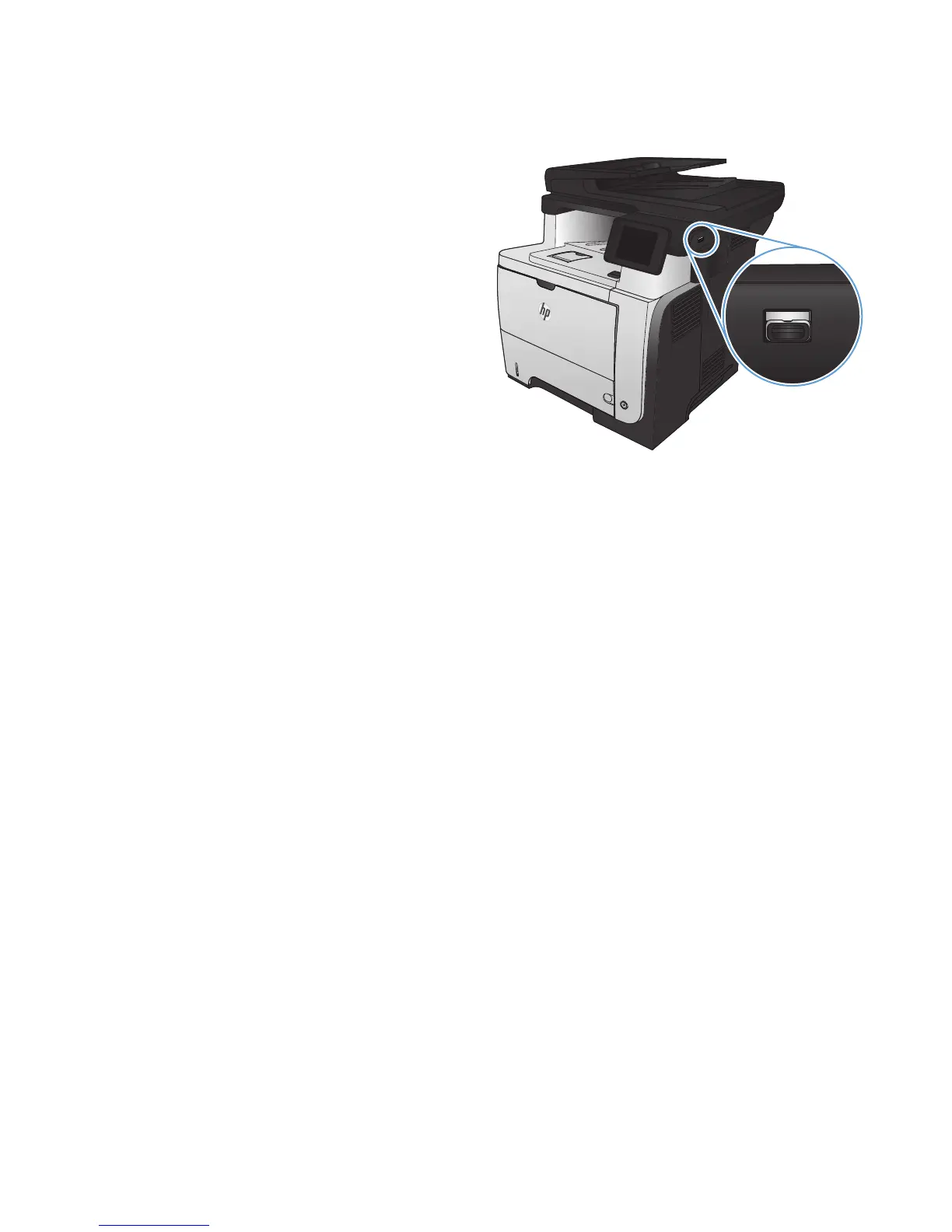
Use walk-up USB printing
1. Insert the USB flash drive into the USB port on
the front of the product.
2
2. The USB Flash Drive menu opens. Touch the
arrow buttons to scroll through the options.
●
Print Documents
●
View and Print Photos
●
Scan to USB Drive
3. To print a document, touch the Print Documents
screen, and then touch the name of the folder
on the USB drive where the document is
stored. When the summary screen opens, you
can touch it to adjust the settings. Touch the
Print button to print the document.
4. To print photos, touch the View and Print
Photos screen, and then touch the preview
image to select each photo that you want to
print. Touch the Done button. When the
summary screen opens, you can touch it to
adjust the settings. Touch the Print button to
print the photos.
5. Retrieve the printed job from the output bin,
and remove the USB flash drive.
82 Chapter 4 Print ENWW








 To Next Page