Icon Item Description
4
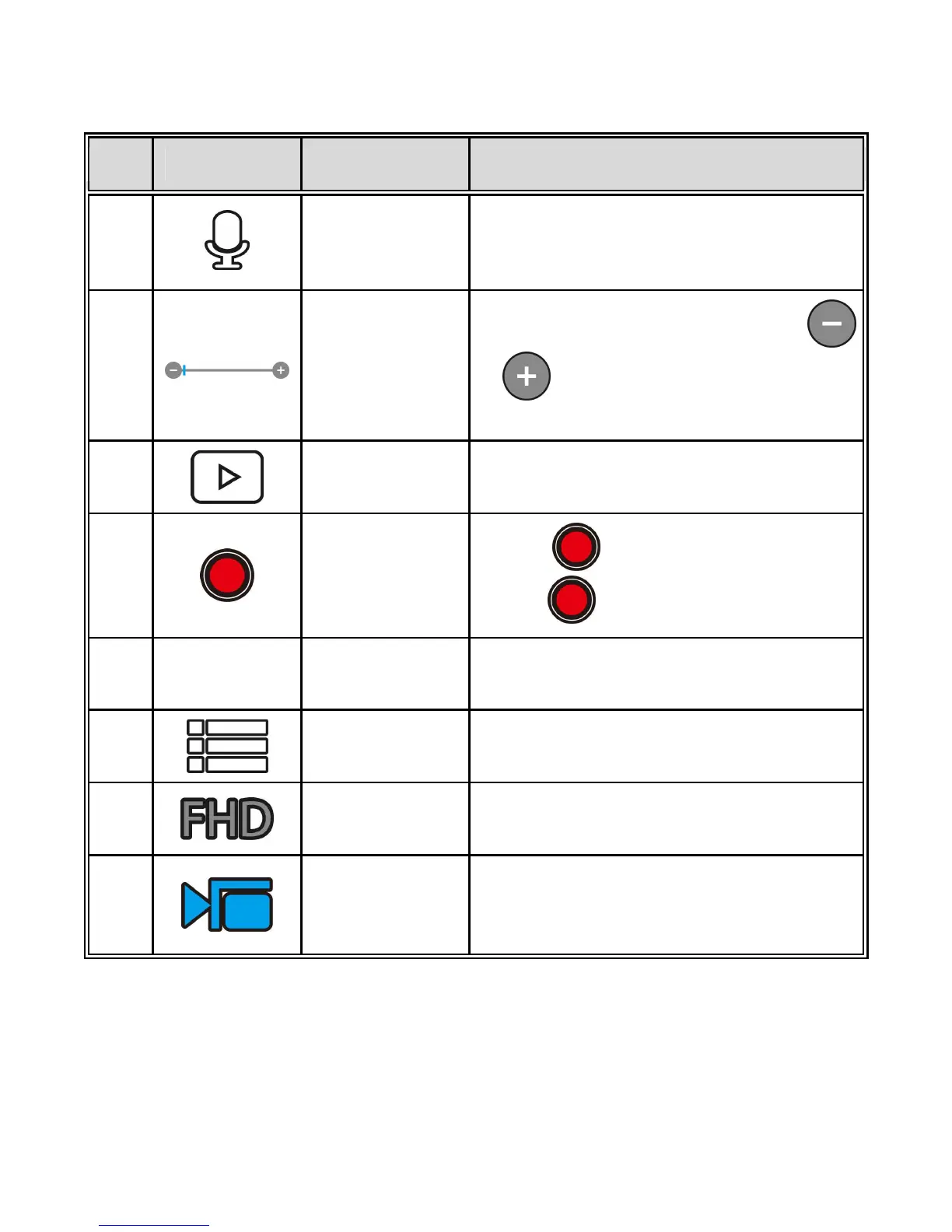
Voice record
Touch to enable or disable the voice
record function.
Available options: On / Off
5
Zoom
indicator
Indicates the zoom status. Touch
/ to adjust the digital zoom.
Available options: x1.0~x2.4
6
Playback Touch to enter Playback mode.
7
Recording
Touch to start recording, and
touch again to stop.
8
2014/01/01
12:00:00
Date and time
Indicates the current recording date
and time.
9
Menu Touch to enter the menu.
10
Video
resolution
Indicates the current video resolution.
11
Recording
mode
Indicates the current Recording mode.
Touch to switch to Timelapse or
Shooting mode.


 To Next Page
 Loading...



