Remove the ADF input guides and gear
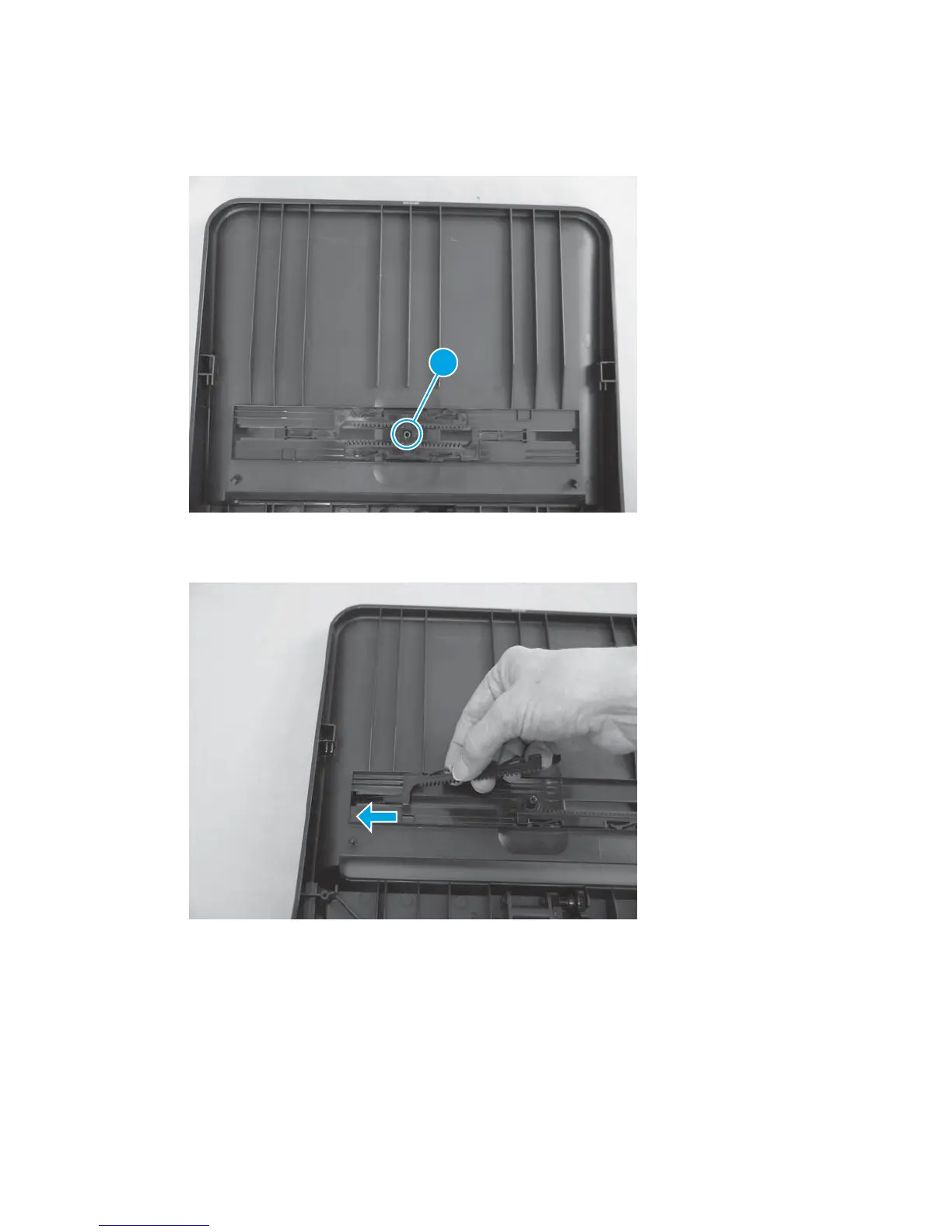
1. Pull the input-guide gear (callout 1) straight up to remove it
Figure 1-143 Remove the ADF input guides and gear (1 of 3)
1
2. Slide each ADF input guide all the way outward.
Figure 1-144 Remove the ADF input guides and gear (2 of 3)
98 Chapter 1 Removal and replacement ENWW



 To Next Page