Control panel
CAUTION: ESD sensitive.
NOTE: Although the photos in this procedure show the M177 model, the steps are the same for the M176
model.
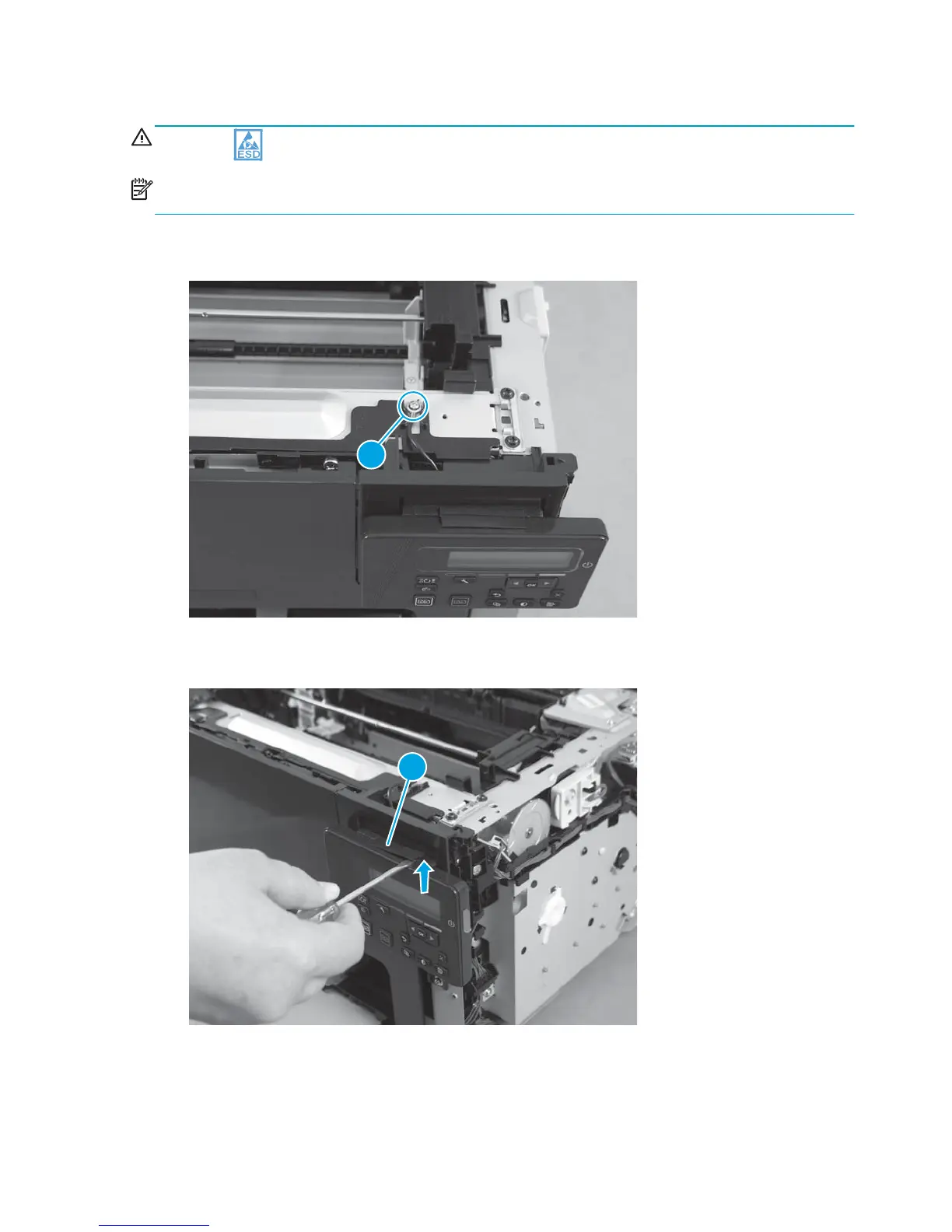
1. Disconnect one grounding screw (callout 1).
Figure 1-38 Remove the control panel (1 of 5)
1
2. With a small flat-blade screwdriver, remove the cover (callout 1) from the top of the control panel.
Figure 1-39 Remove the control panel (2 of 5)
1
32 Chapter 1 Removal and replacement ENWW



 To Next Page