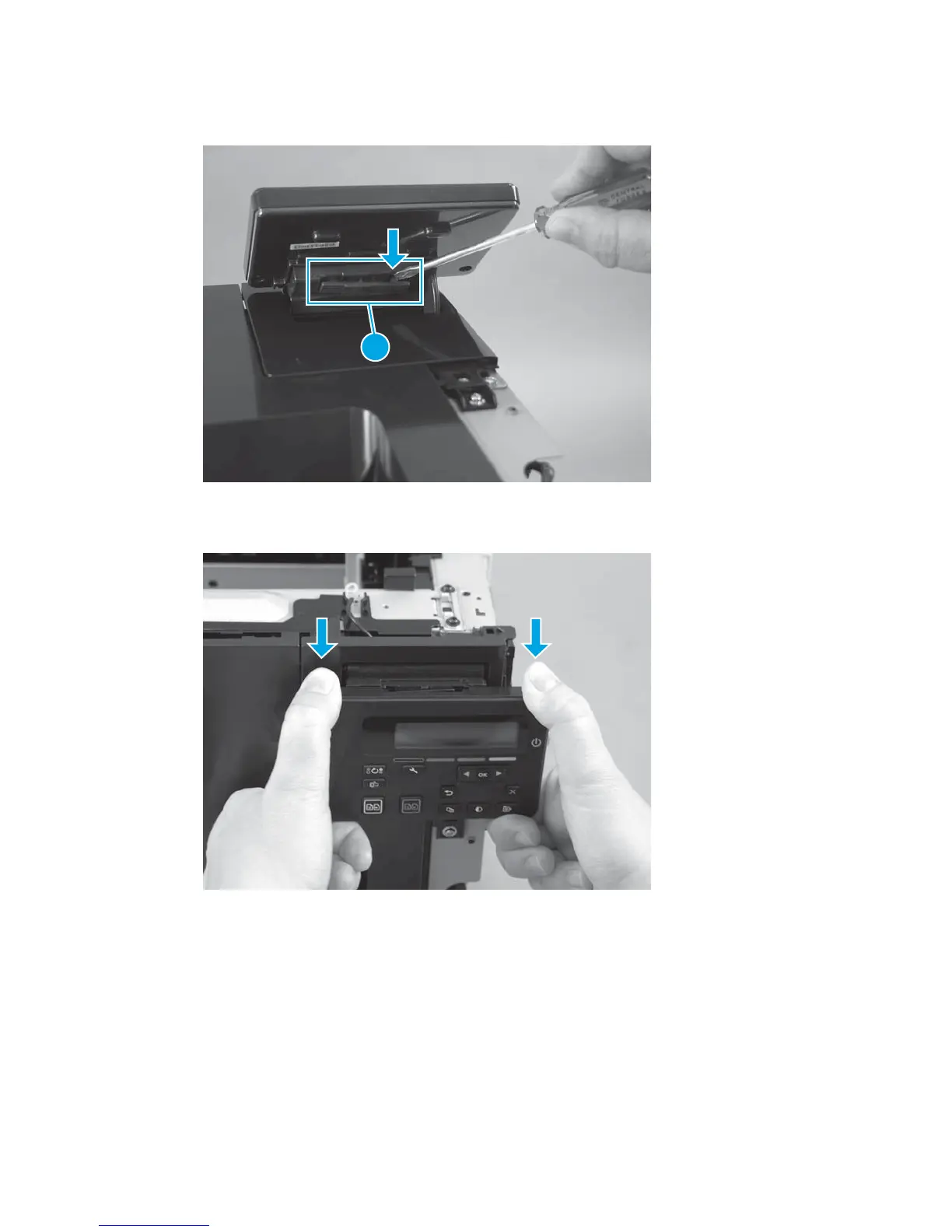
3. With a small flat-blade screwdriver, remove the cover (callout 1) from the back of the control panel.
Figure 1-40 Remove the control panel (3 of 5)
1
4. Press down on the top edge of the control panel to separate it from the control panel cover.
Figure 1-41 Remove the control panel (4 of 5)
ENWW Removal and replacement procedures 33



 To Next Page