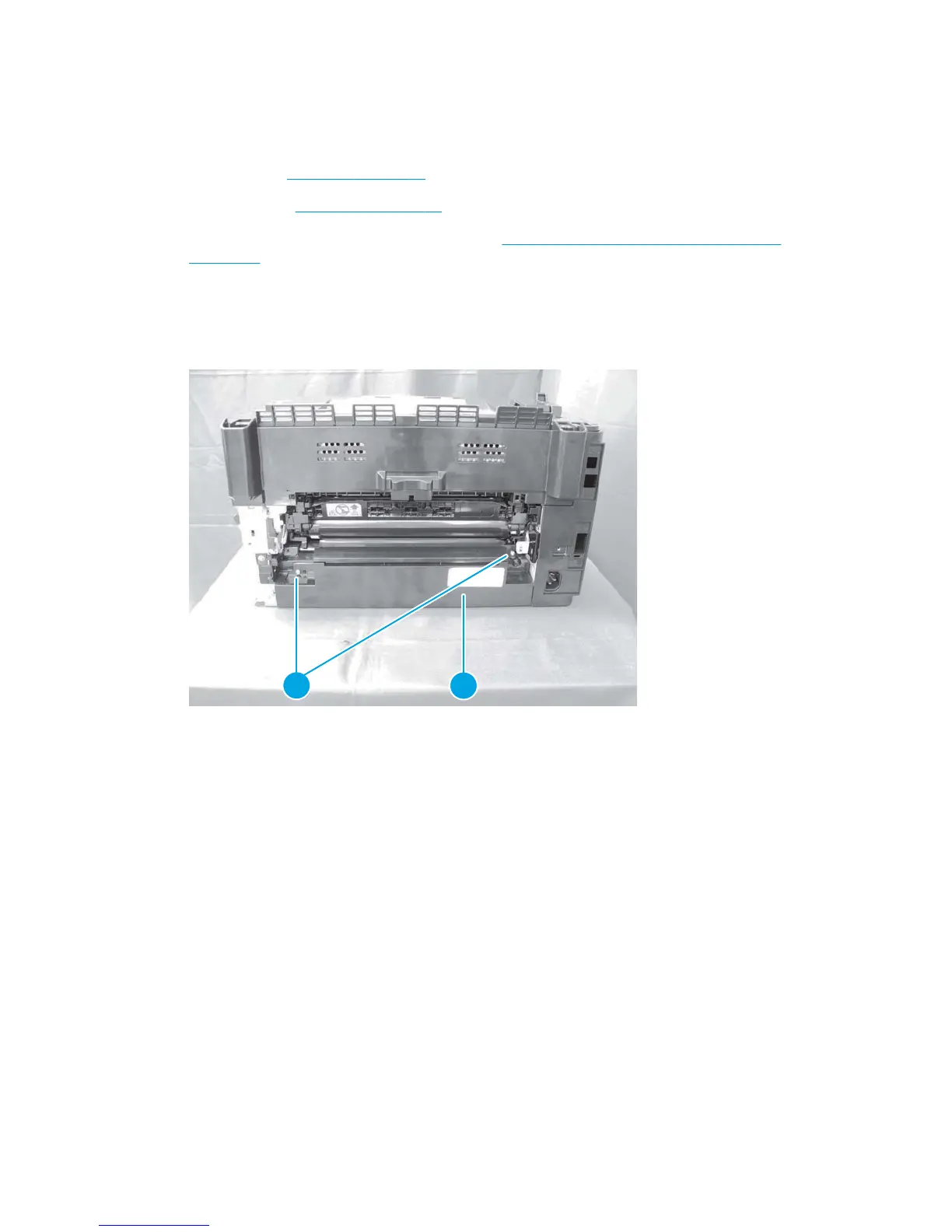
Power supply cover
Before proceeding, remove the following components:
●
Left cover. See
Left cover on page 12.
●
Right cover. See
Right cover on page 18.
●
Rear door and secondary transfer assembly. See
Rear door and secondary transfer assembly
on page 37.
Remove the power supply cover
▲
Remove two screws (callout 1) and the power supply cover (callout 2).
Figure 1-48 Remove the power supply cover
2
1
38 Chapter 1 Removal and replacement ENWW



 To Next Page