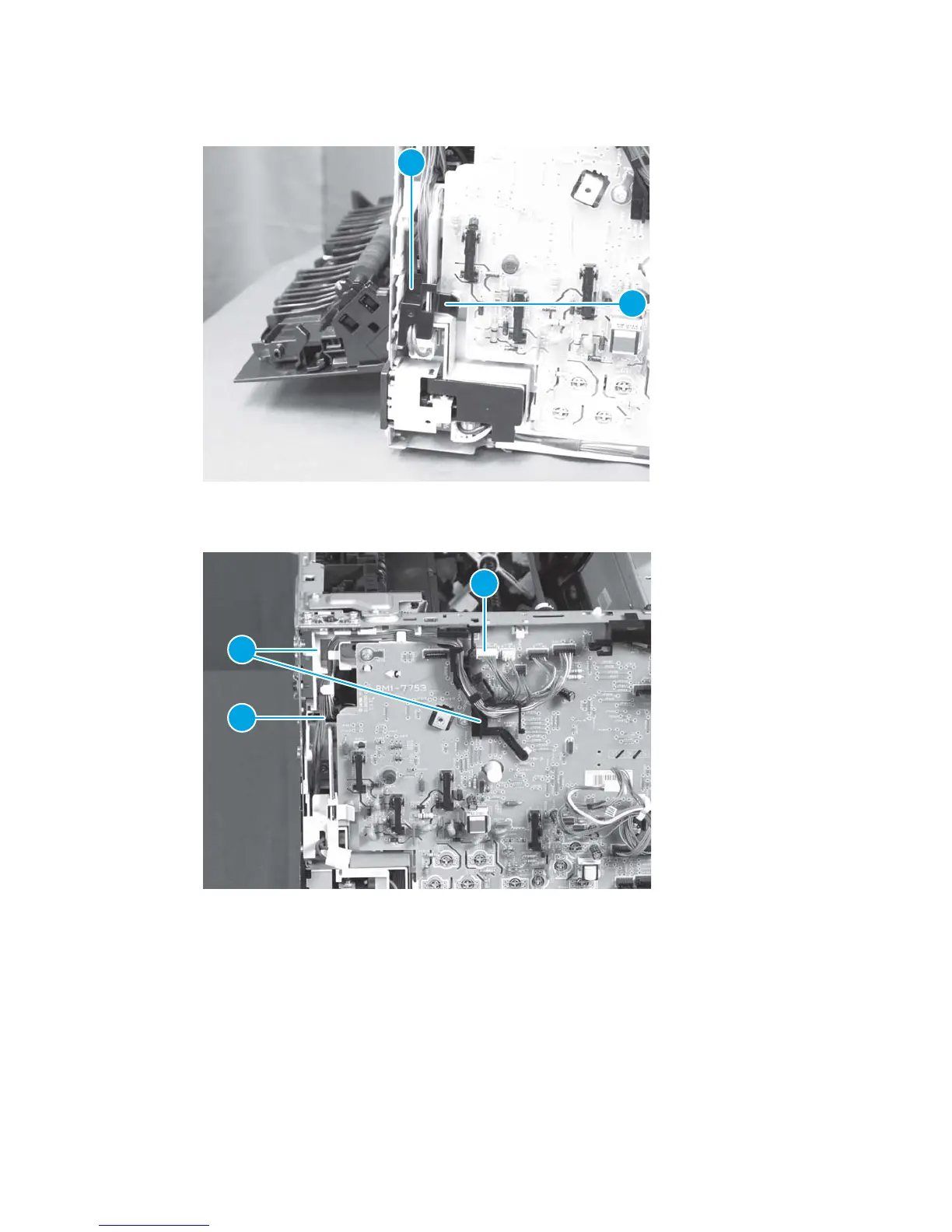
3. Release one tab (callout 1) and remove the cable cover (callout 2).
Figure 1-87 Remove the ITB assembly (3 of 17)
1
2
4. Disconnect one connector (callout 1), and release the cable (callout 3) from the cable guides (callout 2).
Figure 1-88 Remove the ITB assembly (4 of 17)
3
2
1
ENWW Removal and replacement procedures 63



 To Next Page