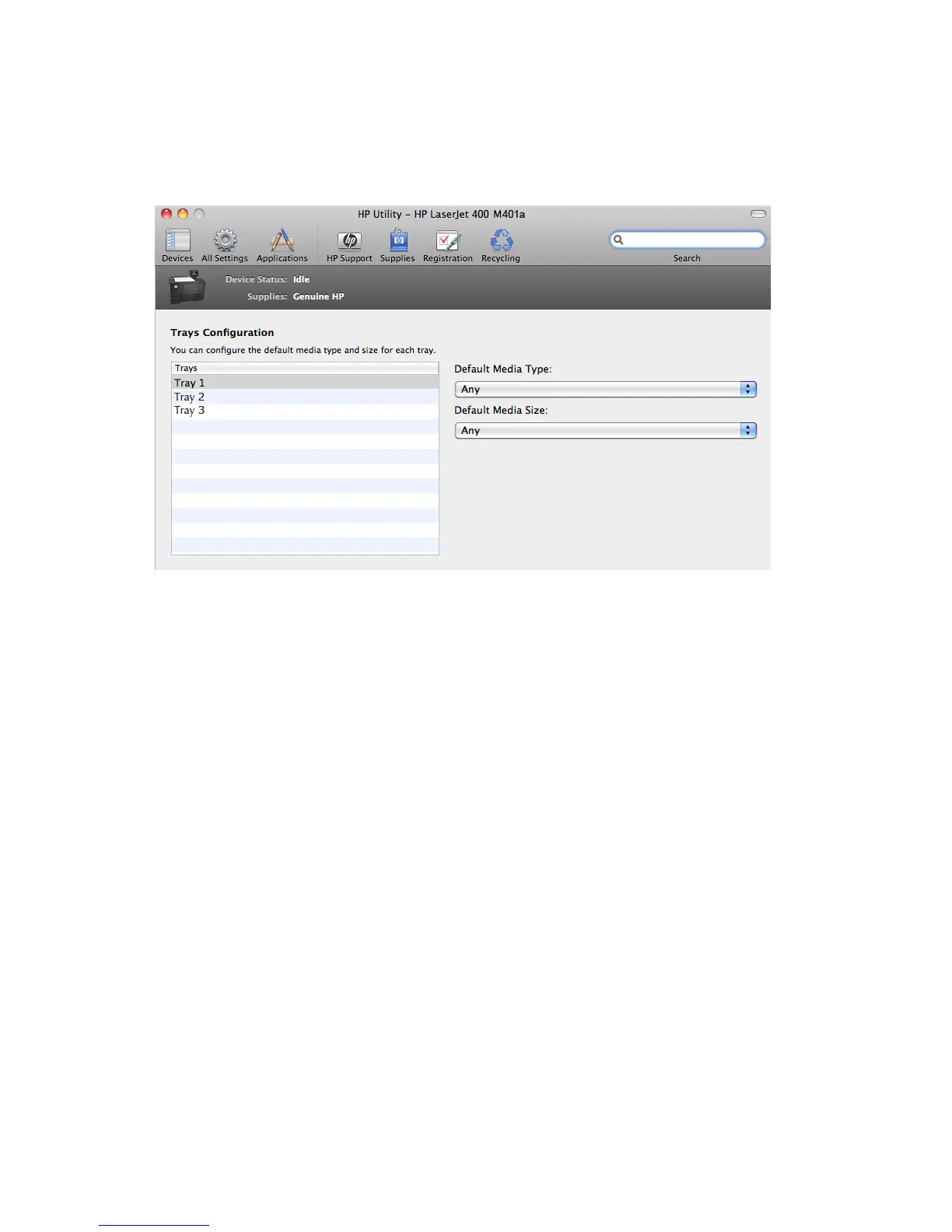
Trays Configuration
Use the Trays Configuration screen to change paper size and type for each of the trays installed on
the product.
Figure 3-13 Trays Configuration screen
1. In the Printer Settings section, click the Trays Configuration icon.
2. To change the paper type, select a tray and then select a different paper type in the Default
Media Type drop-down menu.
3. To change the paper size, select a tray and then select a different paper size in the Default
Media Size drop-down menu.
4. Click the Apply Now button to save the settings.
118 Chapter 3 Mac software and utilities ENWW



 To Next Page