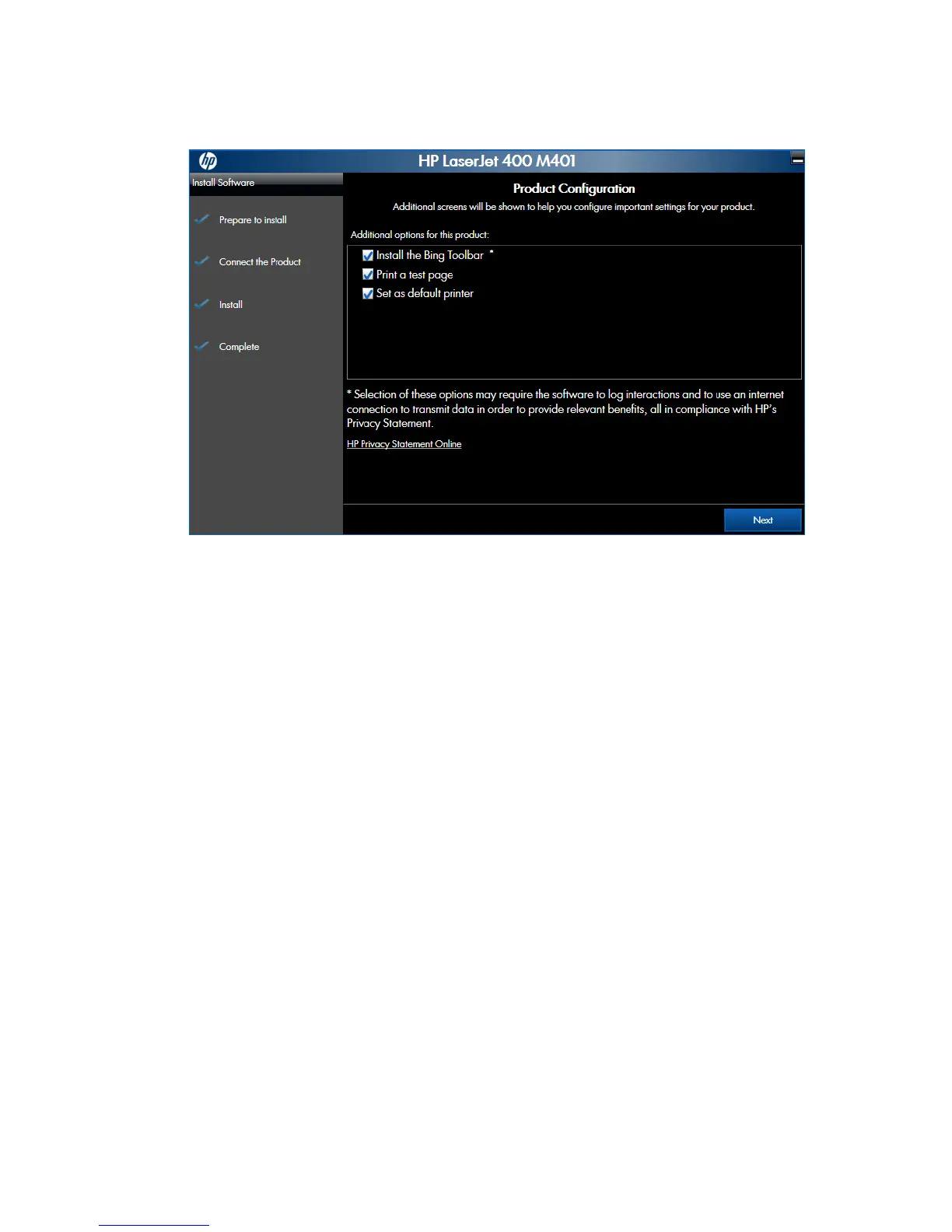
4. When the installation completes, the Finish screen appears.
Figure 2-60 Software installation — Finish screen
●
Open the HP ePrint Center by checking the Open the HP ePrint Center web site check
box.
●
Have the product print a test page to verify successful installation by checking the Print a
test page check box.
Click the Next button to continue.
84 Chapter 2 Windows software description and installation ENWW



 To Next Page