-5-
Installation
Battery Installation
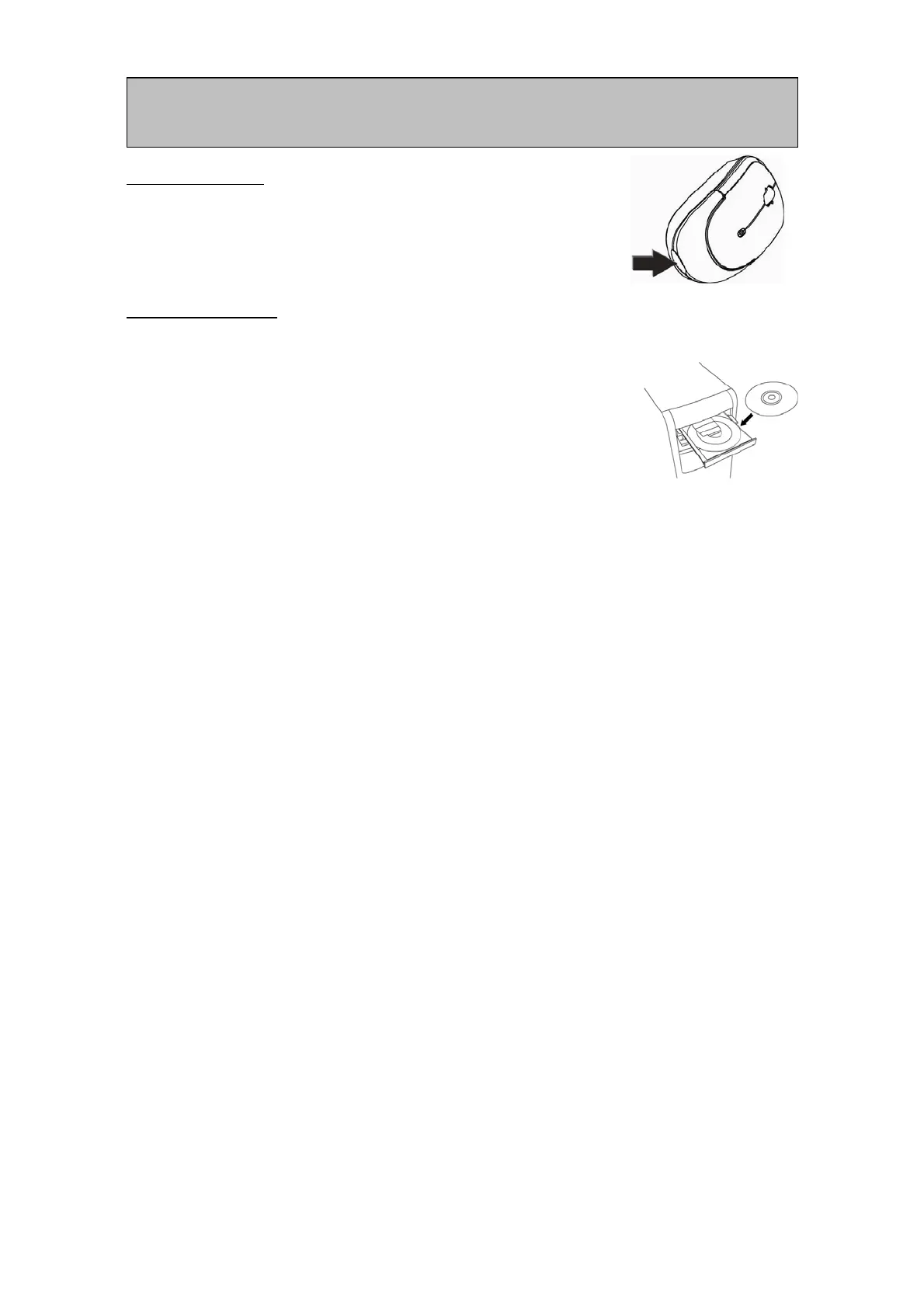
For your convenience, the mouse is pre-installed with 1
AA NiMH rechargeable batteries. To activate the
batteries, remove the pull tab located on the bottom of
the mouse.
Software Installation
1 Insert the CD into your CD-ROM drive. The setup program will
automatically launch.
2 If the setup program does not appear, click Start, then click Run.
Type <drive letter>:\setup and click Ok. (For example, if the disk is in
drive D, enter D:\Setup.)
3 Follow the onscreen instructions.
CAUTION! RISK OF EXPLOSION IF BATTERY IS REPLACED BY AN INCORRECT TYPE.
DISPOSE OF USED BATTERIES ACCORDING TO THE BATTERY MANUFACTURER’S
INSTRUCTIONS.



 To Next Page