8
Rear components
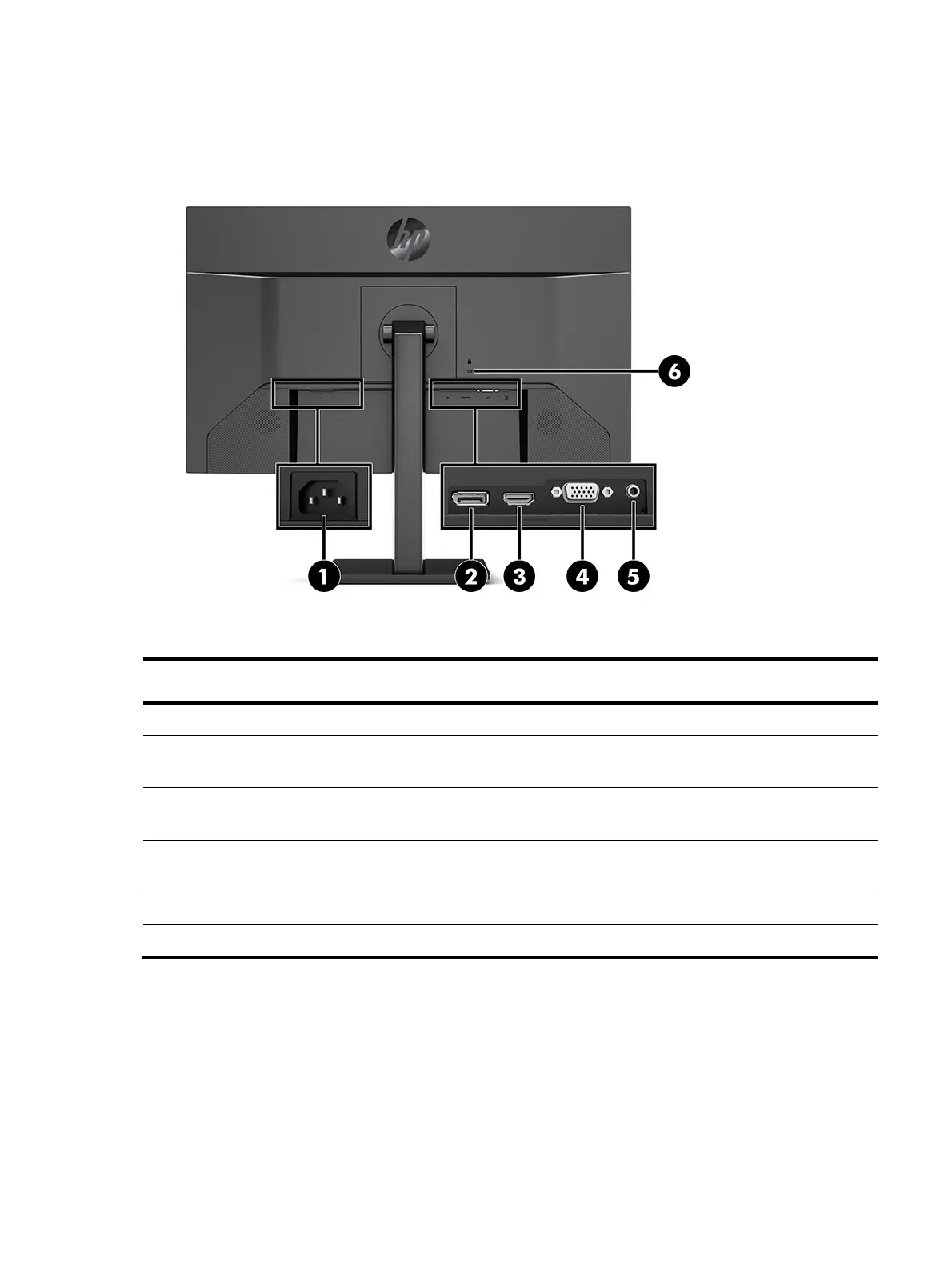
To identify the components on the rear of the monitor, use this illustration and table.
<
Table 2-2>
Table 2-3: Rear components and their descriptions
Function
1 Power connector Connects an AC adapter.
2 Display connector Connects the DisplayPort cable to a source device
such as a computer or game console.
1 HDMI connector Connects the HDMI cable to a source device such
as a computer or game console.
2 VGA connector Connects a VGA cable from the monitor to a source
device such as a computer.
3 Audio-in jack (select model only) Connects an audio source device.
4 Security cable slot Connects an optional security cable.



 To Next Page
 Loading...

