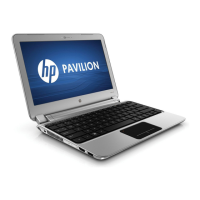
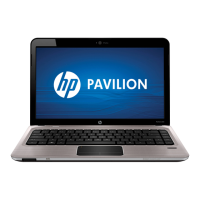
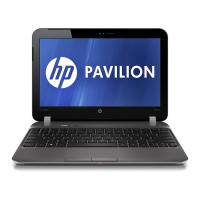
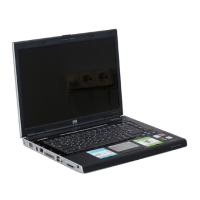
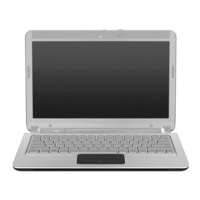
Front components
Item Component Function
(1) Speakers (2) Produce sound.
Left-side components
Item Component Function
(1) Security cable slot Attaches an optional security cable to the computer.
NOTE: The security cable is designed to act as a
deterrent, but it might not prevent the computer from
being mishandled or stolen.
(2) Vent Enables airflow to cool internal components.
NOTE: The computer fan starts up automatically to
cool internal components and prevent overheating. It is
normal for the internal fan to cycle on and off during
routine operation.
(3) External monitor port Connects an external VGA monitor or projector.
(4) HDMI port Connects an optional video or audio device, such as a
high-definition television, or any compatible digital or
audio component.
(5) USB port Connects an optional USB device.
(6) Drive light On—The hard drive is in use.
(7) Power light Supports the following digital card formats:
●
On—The computer is on.
●
Flashing—The computer is in Sleep.
●
Off—The computer is off or in Hibernation.
Front components 9


 To Next Page
 Loading...