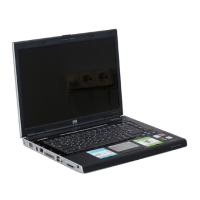
15. Lift up to remove the antenna transceivers (3). The wireless antenna transceivers with cable is
available using spare part number 619435-001..
Reverse this procedure to install the display wireless antenna transceivers.
16. To replace the WWAN antenna transceivers, lift up on the silver transceiver and release the
adhesive material from the display cover (1).
17. Lift up to remove the antenna transceivers (2). The wireless antenna transceivers with cable is
available using spare part number 619435-001..
Reverse this procedure to install the display WWAN antenna transceivers.
66 Chapter 4 Removal and replacement procedures


 To Next Page
 Loading...