Left-side components
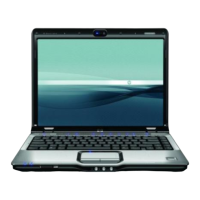
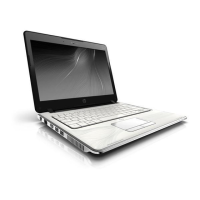
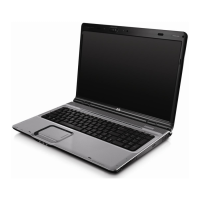
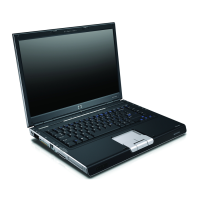
NOTE Refer to the illustration that most closely matches your computer.
Component Description
(1) Security cable slot Attaches an optional security cable to the computer.
NOTE The security cable is designed to act as a deterrent, but may
not prevent the computer from being mishandled or stolen.
(2) S-Video-out jack Connects an optional S-Video device such as a television, VCR, camcorder,
overhead projector, or video capture card.
(3) External monitor port Connects an external VGA monitor or projector.
(4) Expansion port 3 Connects the computer to an optional expansion product.
NOTE The computer has only one expansion port. The term
expansion port 3 describes the type of expansion port.
(5) RJ-45 (network) jack Connects a network cable.
(6) USB port Connects an optional USB device.
(7) 1394 port Connects an optional IEEE 1394 or 1394a device, such as a camcorder.
(8) Digital Media Slot Supports the following optional digital card formats: Secure Digital (SD)
Memory Card, MultiMediaCard (MMC), Secure Digital Input/Output (SD I/O),
Memory Stick (MS), Memory Stick Pro (MSP), xD-Picture Card (XD), xD-
Picture Card (XD) Type M.
(9) Digital Media Slot light On: A digital card is being accessed.
(10) ExpressCard slot Supports optional ExpressCard/54 cards.
14 Chapter 1 Components ENWW








 To Next Page

