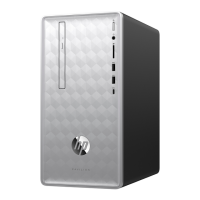
5. Slide the side panel toward the back of the
computer, and then pull the side panel away
from the computer.
The inside of the computer is exposed.
6. Lift the three tabs on the front bezel to release it.
7. Open the front bezel, and then remove it from
the computer.
8. To unlock the CD/DVD drive, pull “Lever A”
slightly out and release the lever in the center
position. Numbers “1” and “2” will both be
exposed.
If you have more than one CD/DVD drive to
remove, repeat this step. However, instead of
moving “Lever A”, move “Lever B.”
10 Upgrading and Servicing Guide Features may vary by model.



 To Next Page
 Loading...