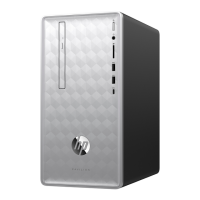
9. Remove the cables from the back of the CD/
DVD drive. The cables may have a latch that is
pressed to release the cable.
10. Push the CD/DVD drive from behind.
11. Pull the CD/DVD drive out the front of the
computer.
Installing a new CD/DVD drive
NOTE: The replacement part may look different
than the original part because of manufacturer or
model differences; however, the replacement part
meets or exceeds the specifications of the original
part.
1. Locate where the CD/DVD drive is to be
inserted.
2. Insert the new CD/DVD drive into the slot.
Features may vary by model.
Removing and Replacing a CD/DVD Drive
11



 To Next Page
 Loading...