3
load paper
15
load paper and load
originals
You can print and copy onto a variety of transparency films and paper
types, weights, and sizes. It is important, however, that you choose the
right paper and make sure that it is not damaged.
load paper
Following is the basic procedure for loading paper. There are specific
considerations for loading certain types of paper and film. After you
review this procedure, see tips for loading specific types of
paper on page 17.
For best results, adjust the paper settings each time you change paper
types or paper sizes. For more information, see change paper
settings for copying on page 21.
To load envelopes, see load envelopes on page 19.
See load 4 x 6 photo paper on page 20 for more information.
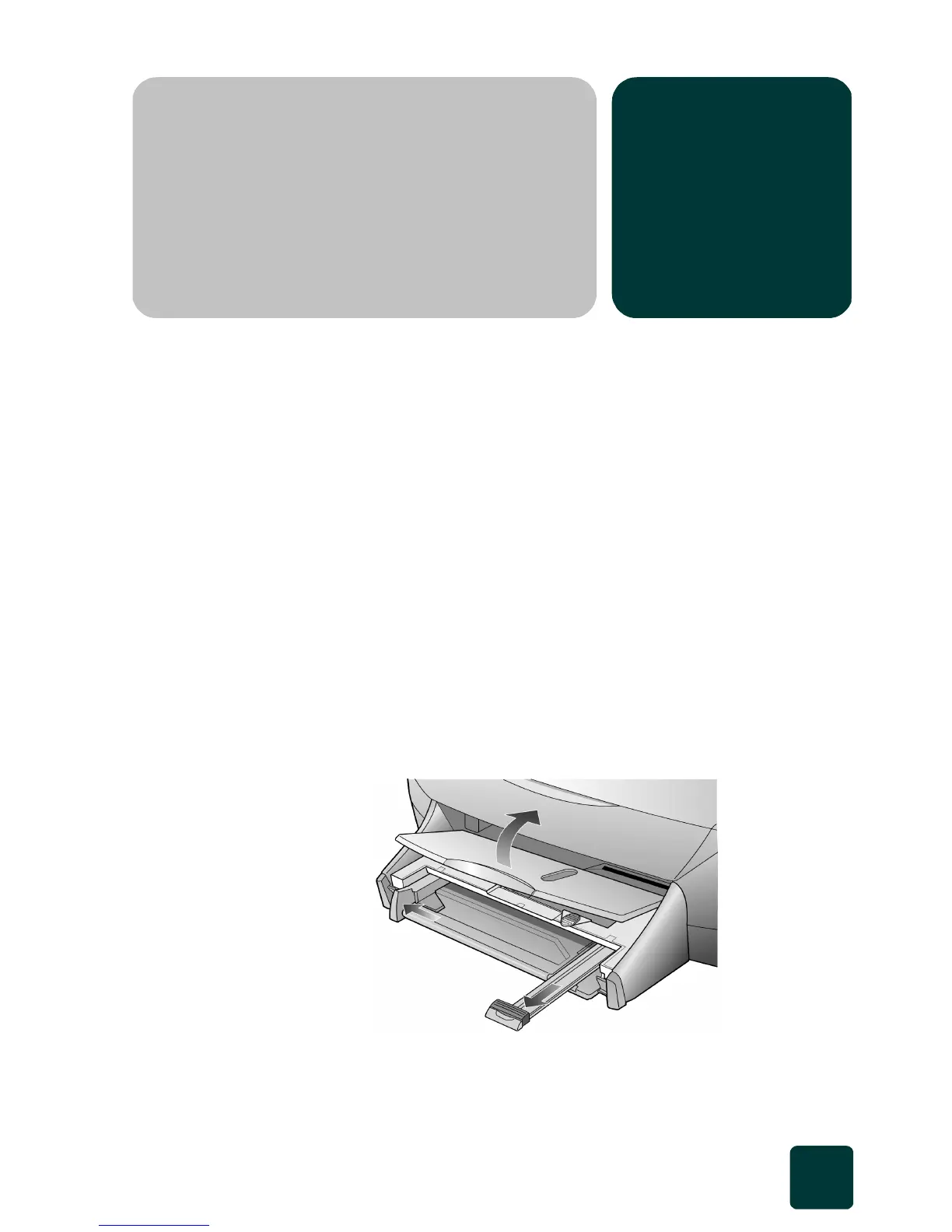
1 Lift the output tray up and slide the paper-width and -length
guides to their outermost positions.



 To Next Page