use a photo card
40
hp psc 900 series
print individual
photos
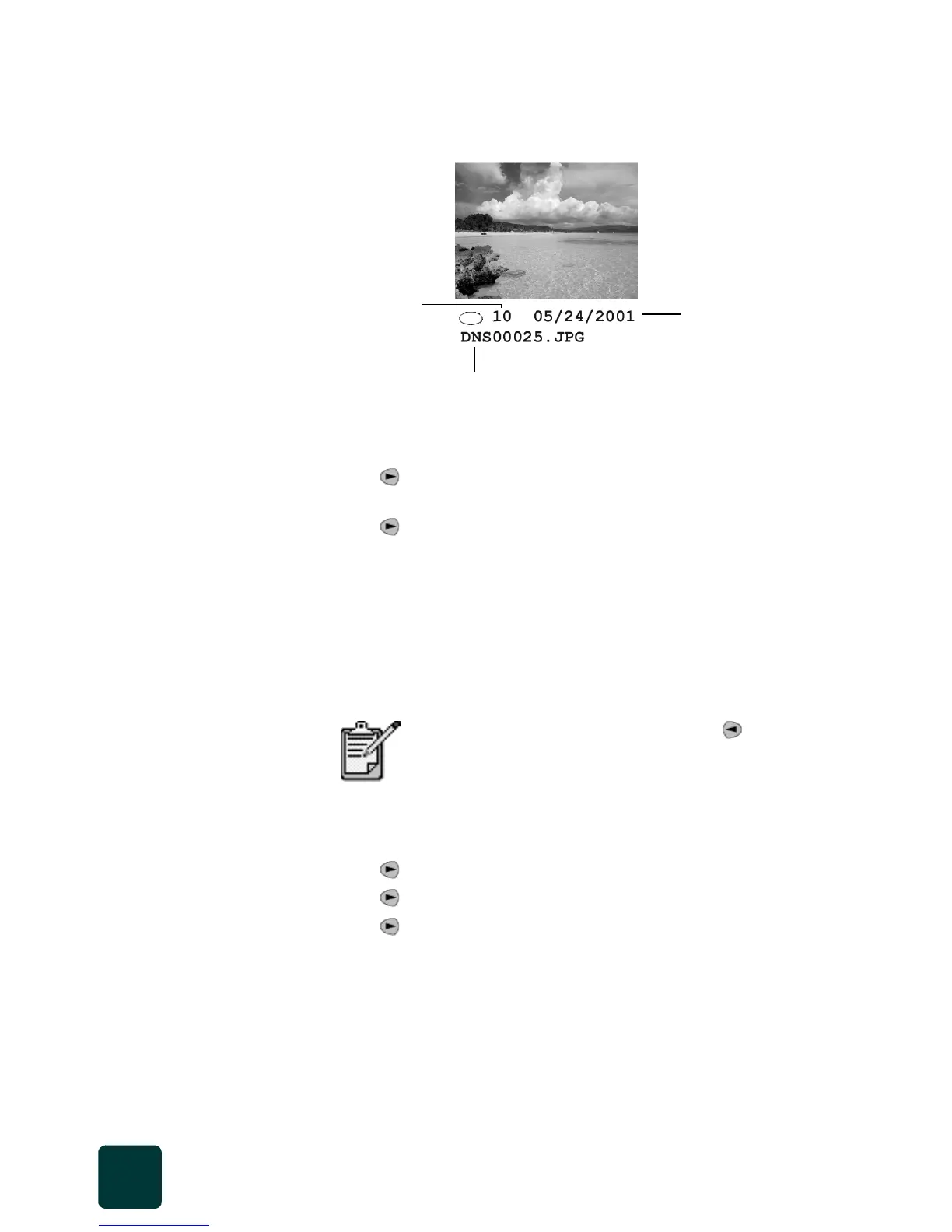
If you don’t know the photo index number, you may want to print a
photo proof sheet before selecting individual photos to print.
1 Insert the photo card into the appropriate slot on your printer.
2 Press 2 when Save Photos to PC? appears.
3 Press until Print What? Photos on Card appears, then
press Enter.
4 Press until Print Photos - Select Photos appears, then
press Enter.
5 Enter the photo index numbers for the photos you want to print.
A comma is inserted automatically as the cursor advances to the
right.
Tip! You can specify a range by pressing the Symbols
button to enter a dash (-).
6 Press Enter when you are finished entering the photo index
numbers you want to print.
7 Press to select a photo size, then press Enter.
8 Press to select a paper type, then press Enter.
9 Press to select the number of copies, then press Enter.
10 Press Black or Color.
You can erase number entries by pressing . As
the bottom line gets filled, the data entry field scrolls
left to show the number as it is entered.
Index number
File name
Date



 To Next Page