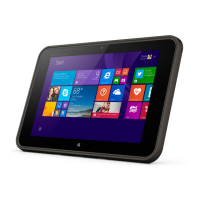
4 Navigating the screen
To quickly return to the Start screen, press the Windows button .
You can navigate the tablet screen in the following ways:
●
Touch gestures
●
External keyboard and optional mouse (purchased separately)
NOTE: An external USB mouse (purchased separately) can be connected to a USB port on the
tablet.
Using the touch gestures
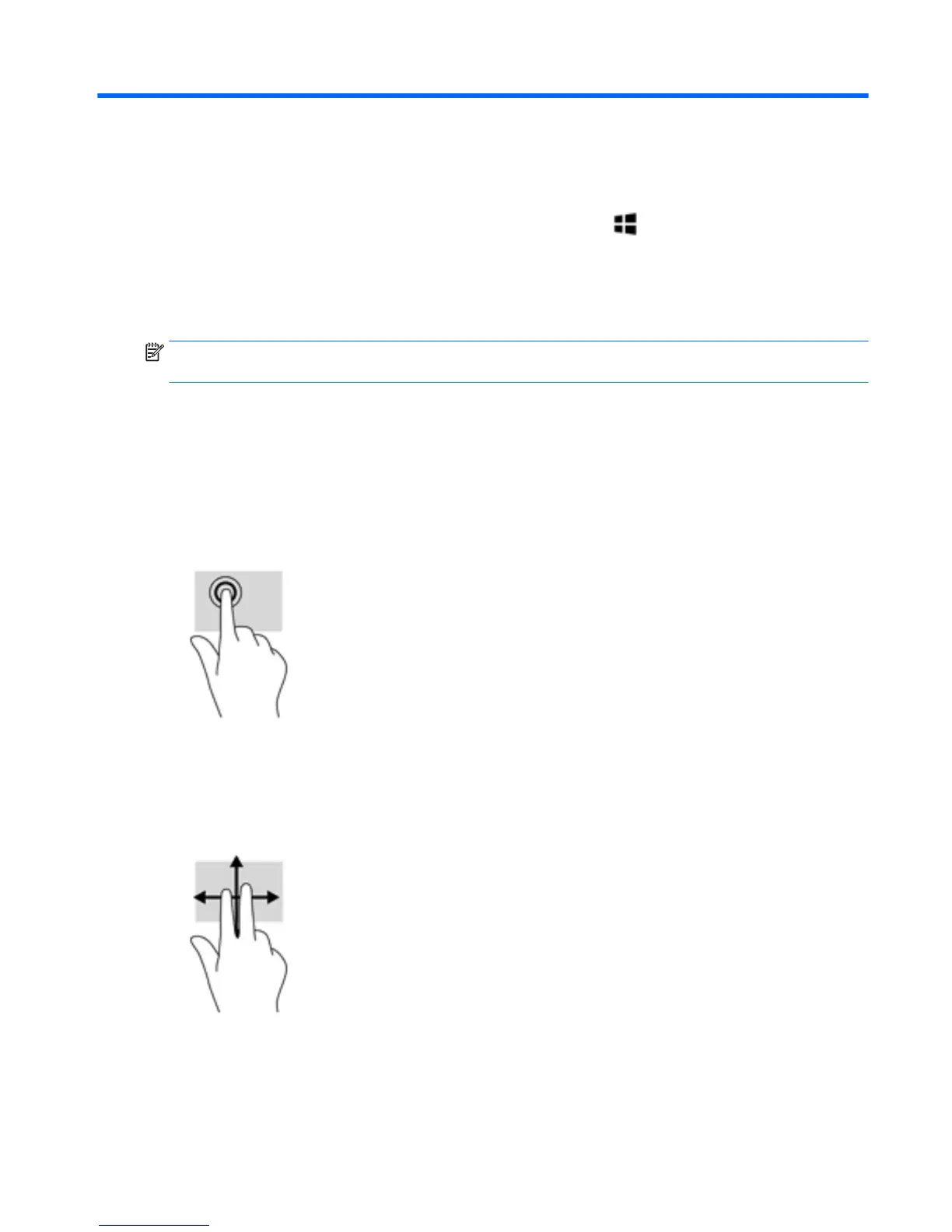
Tap
Use the tap/double-tap gesture to select or open an item on the screen.
●
Point to an item on the screen, and then tap one finger on the touch screen to select it. Double-
tap an item to open it.
Two-finger scroll
Use the two-finger scroll gesture to move up, down, or sideways on a page or image.
●
Place two fingers slightly apart on the touch screen and then drag them up, down, left, or right.
Using the touch gestures 9


 To Next Page