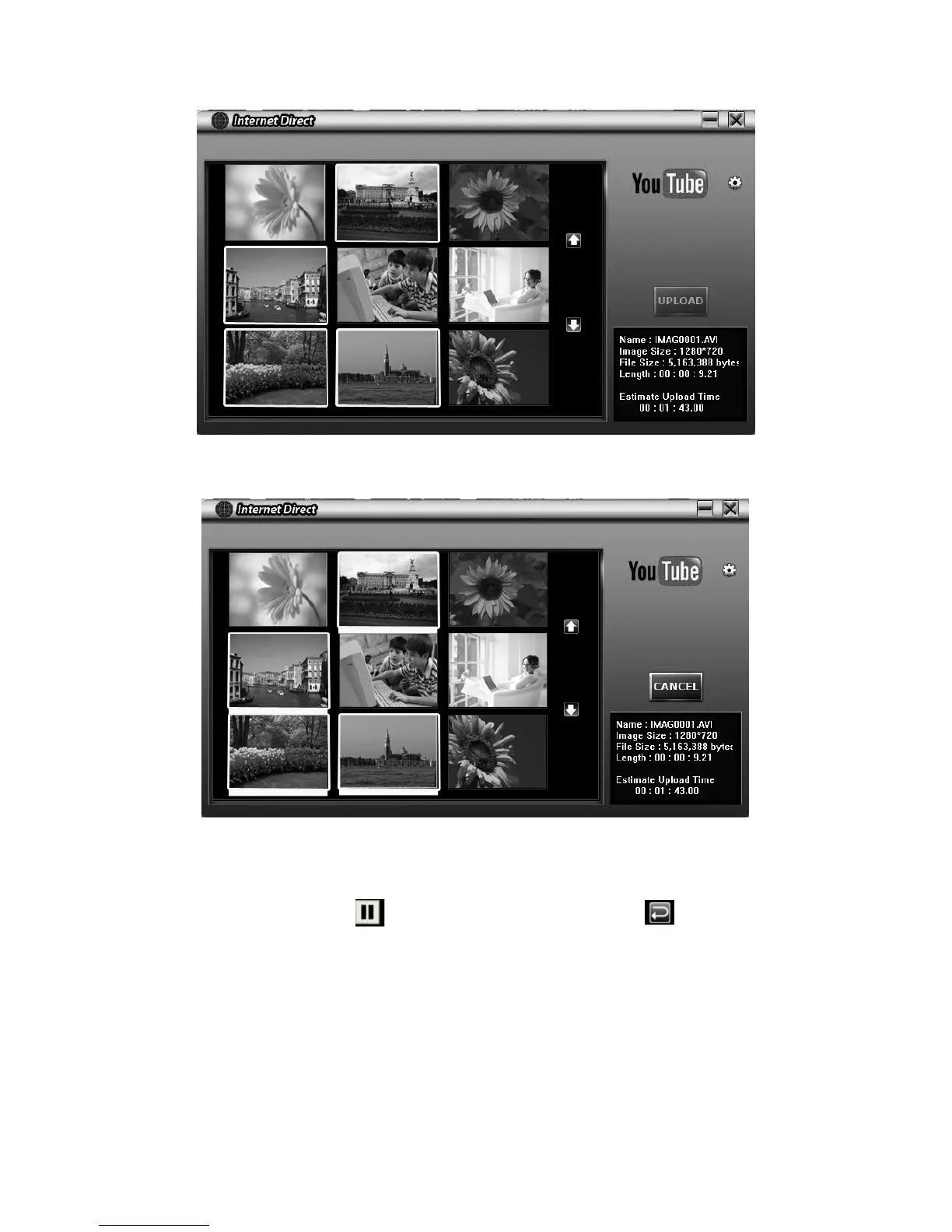
Click on “ UPLOAD” to start uploading.5.
Click on “ CANCEL” to stop uploading. 6.
To playback the video le:
Double click on the video clip on the thumbnail screen. 1.
Click on the Play/Pause icon 2. to play/pause. Click on the Return icon to return to the
thumbnail preview screen.



 To Next Page