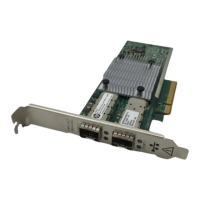
6 HP Thunderbolt 3 PCIe Card Installation
6. Connect the other end of the Thunderbolt cables (sold separately) to a Thunderbolt device. Connect the
other end of the DisplayPort cables to a graphics card.
NOTE: If you are only using one Thunderbolt port, connect the Thunderbolt device to the
Thunderbolt port labeled A, and then connect the graphics card to the DisplayPort labeled DP IN A. HP
recommends connecting the graphics card to both DisplayPorts.



 To Next Page