Connecting and configuring monitors
NOTE: The graphics cards that your workstation supports typically allow at least two monitors, as
shown in this section; some supported cards allow more monitors. Refer to the graphics card
documentation for details.
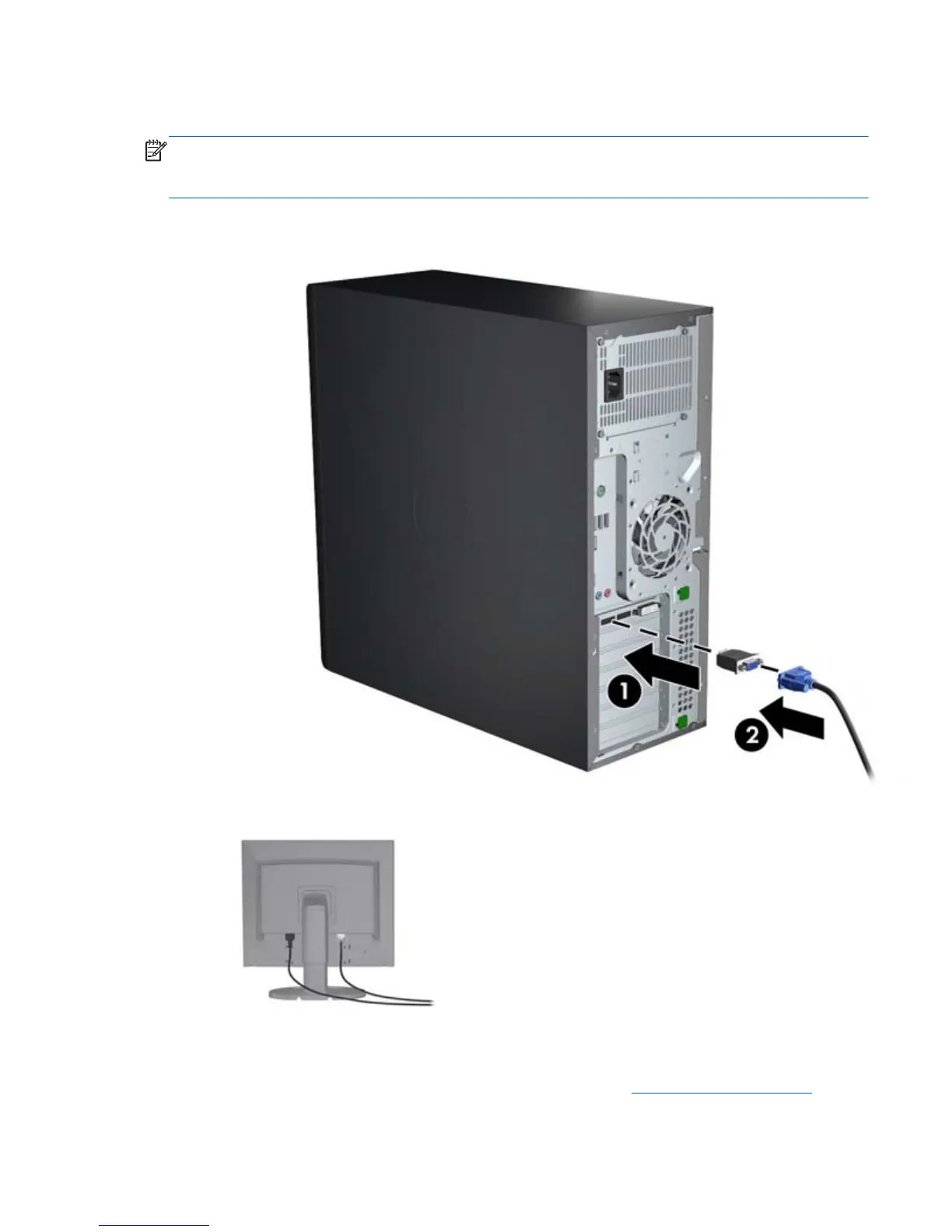
1. Connect the monitor cable adapters (1) (if required) to the workstation, and then connect the
appropriate monitor cables to the adapters (2) or directly to the graphics card.
2. Connect the other ends of the graphics cables to the monitors.
3. Connect one end of the monitor power cord to the monitor and the other end to a grounded
power outlet.
4. Configure the monitor. For details, refer to Microsoft Help or to
http://www.microsoft.com, or to
your Linux Help or website.
Adding monitors
19



 To Next Page