System BIOS and Resources
System Resources
Chapter 4 65
System Memory Map
Reserved memory that accessory boards use must reside in the area from
C8000h to EFFFFh.
I/O Port Map (I/O Addresses Used by the System
1
)
You access peripheral devices, accessory devices, and system controllers
through the system I/O space, which isn’t located in system memory
space. The 64 KB of addressable I/O space comprises 8-bit and 16-bit
registers (called I/O ports) located in the various system components.
When you install an accessory board, ensure that the selected I/O
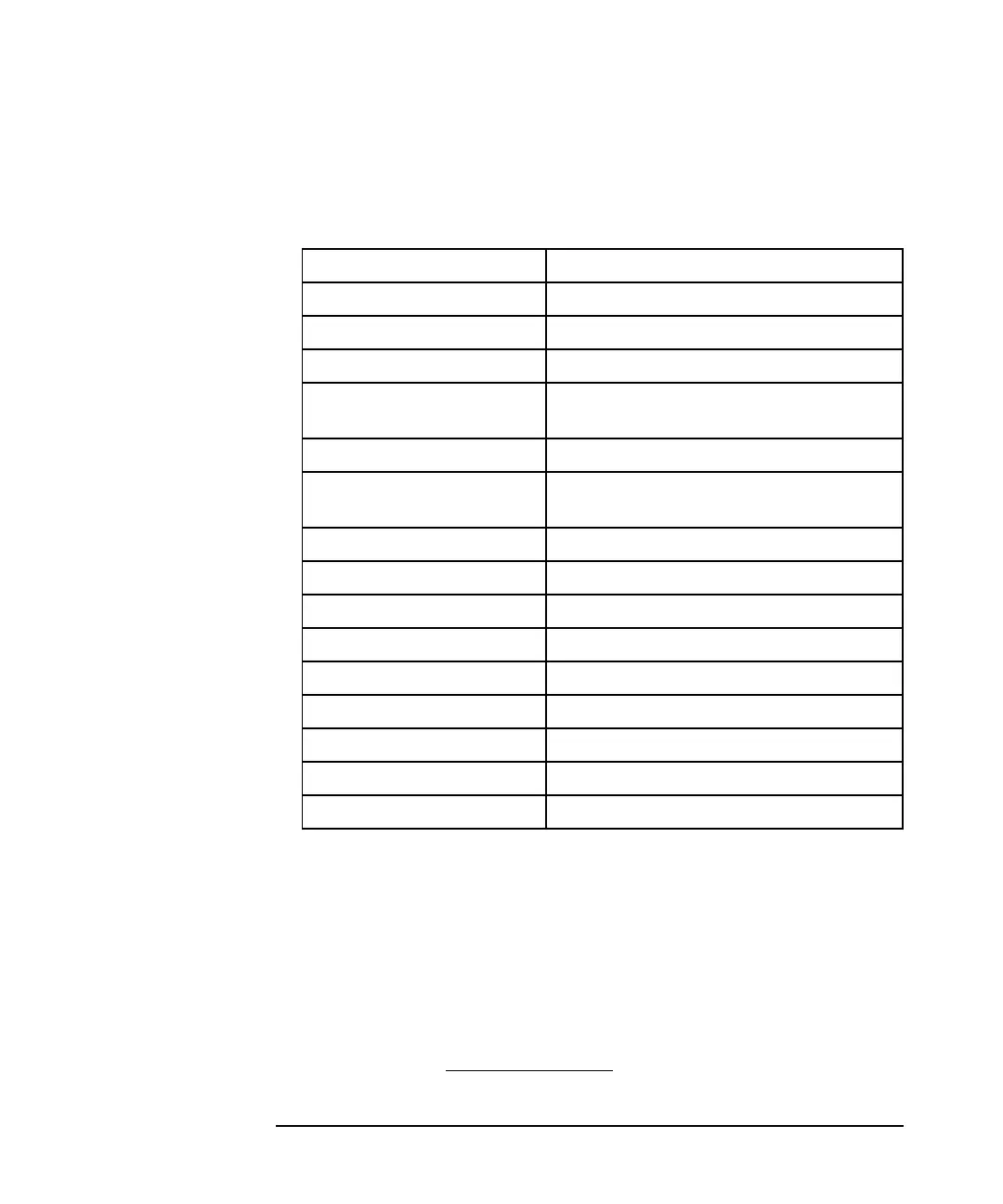
0000 0000 - 0000 03FF Real-mode IDT
0000 0400 - 0000 04FF BIOS data area
0000 0500 - 0009 FC00 Used by operating system
0009 FC00 - 0009 FFFF Extended BIOS data area
000A_0000 -
000B_FFFF
Video RAM or SMRAM (not visible
unless in SMM)
000C 0000 - 000C 7FFF Video ROM (VGA ROM)
000C 8000 - 000F FFFF Adapter ROM, RAM,
memory-mapped registers, BIOS
000E 0000-000F FFFF 128KB BIOS (Flash/Shadow)
0001 0000-000F FFFF Memory (1MB to 16MB)
0010 0000-001F FFFF Memory (16MB to 32MB)
0020 0000-003F FFFF Memory (32MB to 64MB)
0040 0000-007F FFFF Memory (64MB to 128MB)
0080 0000-FFFF FFFF Memory (128MB to 4GB)
FECO 0000 I/O APIC
FEEO 0000 Local APIC (each CPU)
FFF8 0000-FFFF FFFF 512KB BIOS (Flash)
1. If configured.
This manual downloaded from http://www.manualowl.com



 To Next Page