8
1.2 START-UP
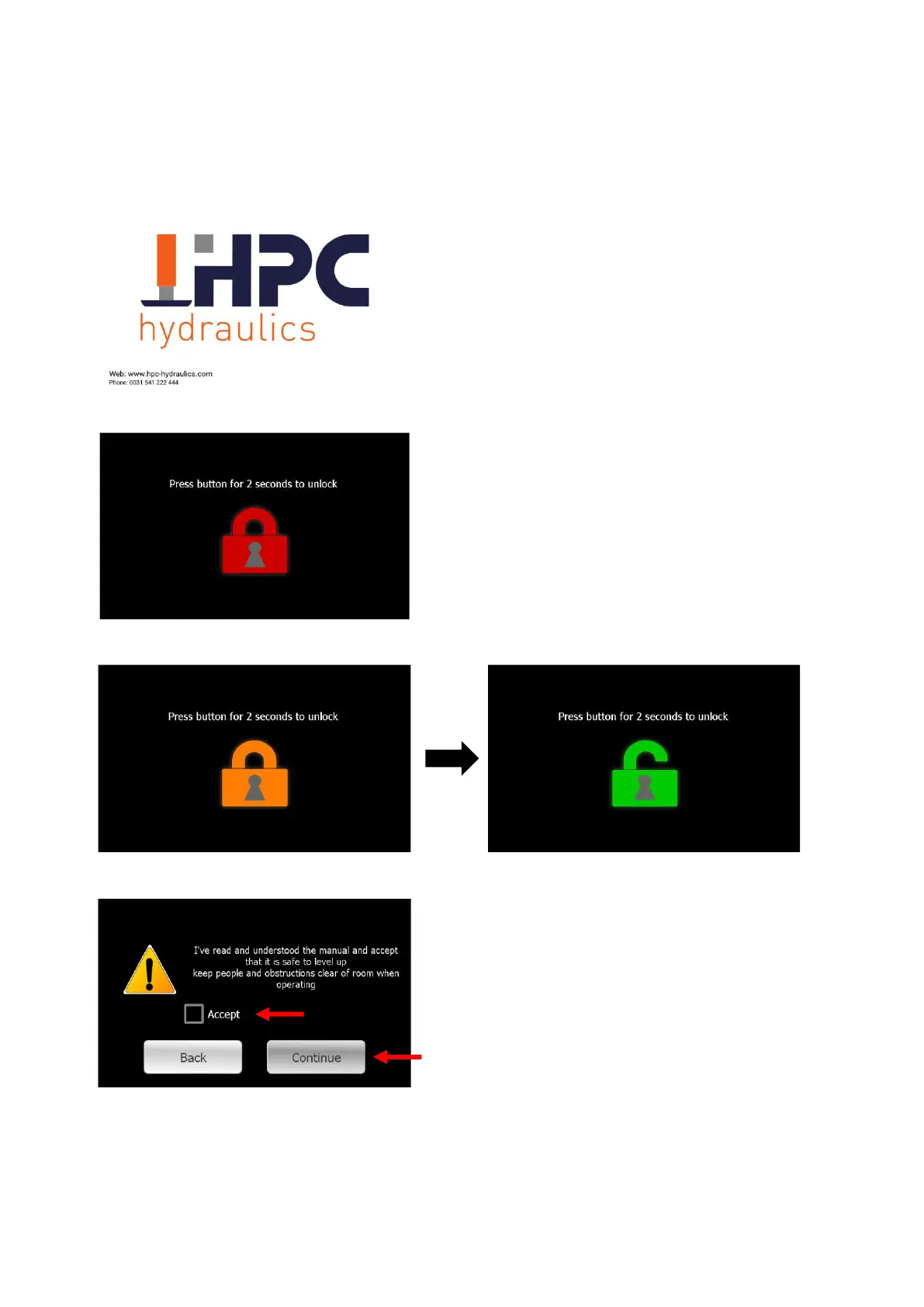
When the system is started, the HPC logo will
be displayed.
The screen will go into standby mode if it is
not used for about a minute. By touching the
screen, it will turn on again.
Tap the red lock until it turns green.
The left screen will appear. Accept by
checking the box to indicate that the safety
warning has been read and understood.
Press [Continue] to continue.



 To Next Page